Best API Documentation Tools for 2027
API documentation tools compared for 2027: Octri, Mintlify, ReadMe, Redocly and GitBook, covering spec updates, interactive consoles, AI tools and publishing.
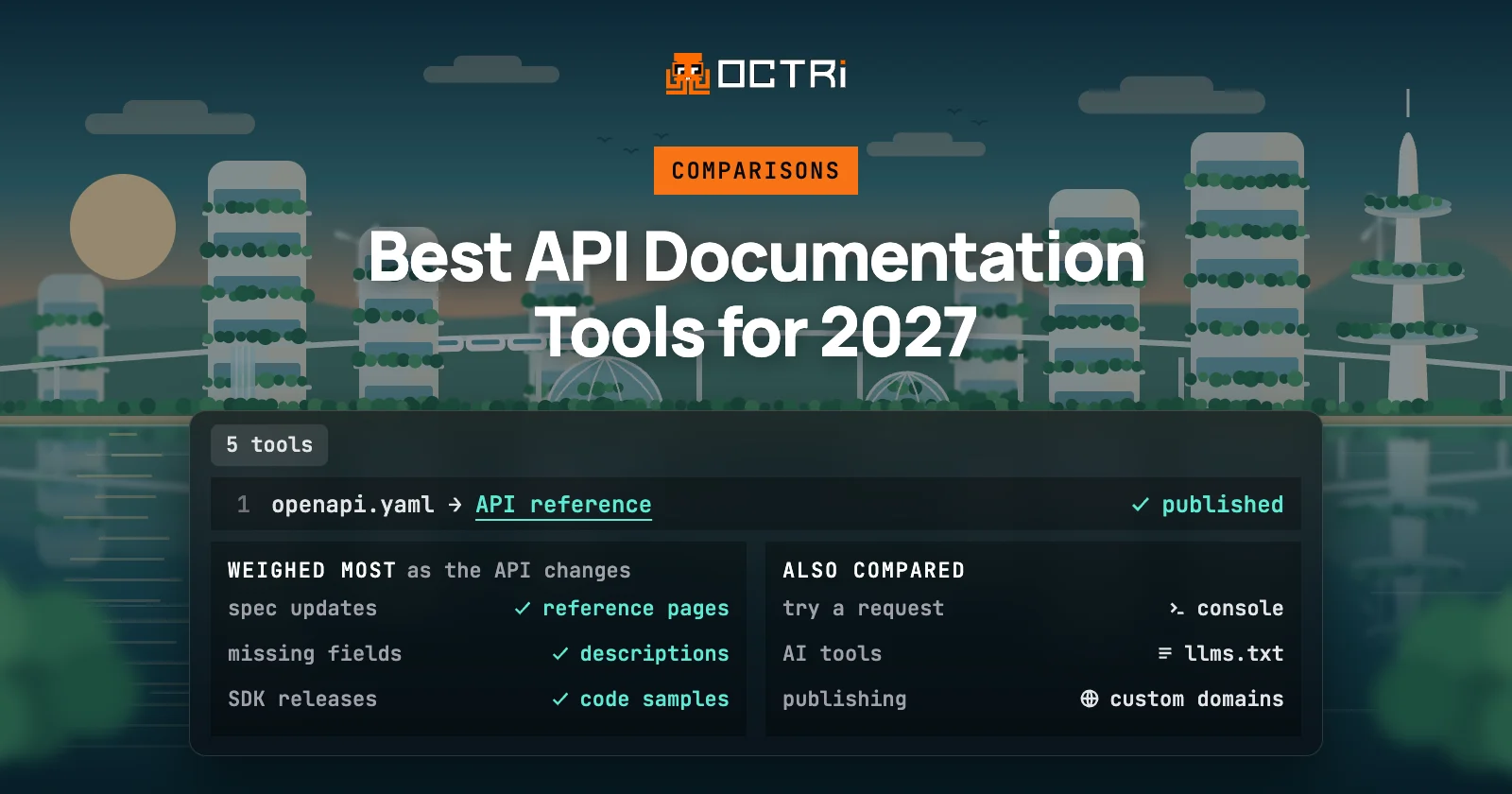
API documentation tools turn API specifications and technical content into published references, guides, and interactive documentation that developers use to integrate with an API. We compared five tools for 2027: Octri, Mintlify, ReadMe, Redocly, and GitBook.
How we ranked the tools
Our main consideration is how documentation stays correct as an API changes. That includes regenerating reference pages from the specification, filling missing descriptions, carrying changes and deprecations into the documentation, and keeping code samples aligned with published SDKs. We gave this area the most weight because outdated documentation creates problems for developers long after an API release.
We also considered the interactive API reference and its request console, the writing workflow across visual editors and Git, and support for AI tools through llms.txt, MCP, and documentation assistants. Finally, we examined publishing controls such as custom domains, private access, versions, and redirects.
1. Octri
Octri generates and maintains API documentation from the same definition used to publish SDKs in 10 languages, an MCP server, and API monitoring. Its documentation workflow focuses on keeping these outputs aligned when the underlying API changes.
Consider what happens to an Octri documentation site over its first few months. Week 1: You publish the API, and every endpoint is documented and live on your domain. Week 4: Six new endpoints arrive. Octri writes descriptions for the missing fields, while your existing edits remain word for word. Week 9: You deprecate an endpoint, and the docs, SDKs, MCP tools, and changelog all carry the note. Week 13: You rename a guide, and its old URL redirects readers to the new page. Week 17: Uptime checks begin failing, so every documentation page displays a banner linking to your status page.
This is Octri's distinguishing feature: one API definition keeps the documentation, SDKs, MCP tools, and monitoring in step, so a change made once reaches each output. Its description generation fills gaps in the specification while preserving existing edits field by field. Every specification update also produces a changelog showing the before and after. Hiding an endpoint removes it from the documentation, SDKs, and MCP server together.
Octri accepts OpenAPI 3.0 and 3.1, Swagger 2.0, Postman collections, and AsyncAPI documents in JSON or YAML. You can upload a file, paste its URL, or connect the GitHub repository containing it. You can also begin with an empty project and add endpoints through the page editor, with Octri maintaining the resulting specification. Every endpoint gets an interactive API reference with a console that calls the live API using the reader's credentials. As readers enter request parameters or bodies, the console rebuilds the code sample to match. Examples include cURL alongside calls written using your own published SDKs, covering up to ten languages.
Guides, tutorials, and quickstarts can be written in Markdown or MDX, either visually on the live page or through Git. The editor includes 21 built-in components and supports custom components. Git synchronization handles changes in both directions: Markdown pushed to the repository appears as drafts, while endpoints added through the documentation editor are committed back to the specification. Deleting a repository file leaves its corresponding documentation page intact.
For AI access, Octri provides AI search and an ask-the-docs chat that answers questions using published content. An llms.txt index lists every page and endpoint and is generated when requested, keeping it aligned with the site. Readers can copy individual pages as Markdown, and a site-level switch removes documentation from machine indexes, including llms.txt. A hosted MCP server gives AI tools access to documentation and API operations through a one-line connection.
Publishing controls include custom domains, colors, fonts, logos, up to 10,000 characters of custom CSS, and white-label documentation without Octri branding. Sites can require a password or use your own SAML single sign-on. Teammates can have separate editing and publishing permissions, with changes remaining as drafts until publication. Octri also supports documentation versions, redirects from retired pages to their replacements, and reader feedback on individual pages.
Octri takes first place for the maintenance work it removes as the API evolves. Teams can add endpoints without writing every missing description, deprecate operations without repeating notices across their developer tools, rename guides without repairing incoming links, and surface uptime warnings without editing every page. Those changes follow the same publishing workflow that keeps the documentation, SDKs, MCP tools, and monitoring aligned.
2. Mintlify
Mintlify is a documentation platform that combines Markdown and MDX authoring with generated API references, interactive examples, and AI-powered documentation features.
Its OpenAPI integration supports OpenAPI 3.0, 3.1, and 3.2 in JSON or YAML. Swagger 2.0 documents require conversion before import.
Setup begins by adding the specification to the documentation repository or hosting it at an HTTPS URL. You then reference it in docs.json, and Mintlify generates endpoint pages with parameters, request and response examples, and interactive testing.
Reference pages update when the specification changes. For specifications loaded from a URL, Mintlify documents triggering a new deployment from the CI process after the updated specification becomes available.
The API playground lets readers send requests, inspect responses, and edit request bodies through individual fields or a JSON editor. Request examples update alongside the entered values, and the playground supports streamed responses.
Mintlify also supports AsyncAPI specifications for WebSocket channel documentation, including channel-specific pages and message schemas.
Documentation can live in a GitHub repository, with deployments triggered by repository updates. Authors can write MDX and include React components for interactive elements or reusable content.
Mintlify also provides a browser-based editor with visual and source editing modes. Multiple teammates can edit the same page simultaneously, with live cursors, comments, and suggestions. Git stays synchronized continuously: repository changes appear automatically in the editor, while publishing browser edits creates commits and supports pull-request review.
On the AI side, Mintlify automatically publishes llms.txt and llms-full.txt.
Each documentation site also has a hosted MCP server that allows AI tools such as Claude, Cursor, and ChatGPT to search and retrieve published documentation. The server exposes search and content-retrieval tools, allowing agents to find relevant pages and read their contents as Markdown.
Mintlify's on-site AI assistant answers questions from published documentation and API specifications, with citations linking readers to the source pages. The assistant can also be embedded in an application, bringing documentation answers into the product itself.
Sites support custom domains, including subdomains and subpaths.
Mintlify suits teams that want collaborative browser editing alongside Git-based publishing, interactive API documentation, and AI access through an on-site assistant and MCP server.
3. ReadMe

ReadMe combines API reference generation with a visual documentation editor, interactive request testing, Git synchronization, and tools for writing and managing documentation.
The OpenAPI setup starts in the API Reference section of a project. Developers can upload an OpenAPI file, import one from a URL, or create an API definition through ReadMe's API Designer.
The API Designer allows authors to define endpoints, parameters, request bodies, response codes, and examples through the interface. Existing specifications can also be edited directly, with validation performed before changes are saved.
According to its OpenAPI compatibility chart, ReadMe supports OpenAPI through version 3.1 and automatically converts Swagger 2.0 documents to OpenAPI 3.0.
Imported definitions generate interactive API reference pages where developers can inspect request details and use Try It to send API calls and see responses.
Its writing workflow is particularly relevant to teams with both developers and technical writers. Pages use MDX, allowing built-in components such as tabs, accordions, columns, and cards, alongside custom reusable components.
ReadMe's bi-directional GitHub synchronization connects documentation content to a repository. Teams can edit within ReadMe or commit through GitHub, keeping both editing workflows connected. The integration also supports repository branches used for documentation versions.
Version management lets teams create documentation versions, identify beta releases, and mark deprecated versions. Readers viewing deprecated documentation receive a visible warning banner.
ReadMe also provides Ask AI, AI writing features, llms.txt, and an MCP server. Its MCP integration allows AI tools to access API descriptions and documentation content.
For publishing, projects can use a custom domain, with configuration managed through the project's settings.
ReadMe is suited to teams that want to combine an interactive API reference with visual content editing, repository synchronization, and a documented review and versioning workflow.
4. Redocly

Redocly provides API documentation built around structured API descriptions and project files. Its platform supports documentation for OpenAPI, AsyncAPI, GraphQL, and SOAP, together with interactive references and versioned content.
The OpenAPI workflow begins by placing a YAML or JSON specification in the project. Redocly detects the file and generates an API reference with a sidebar organized from the specification's tags and operations.
The reference URL follows the specification's file path. Authors can control its location and add the API reference to navigation through project configuration files. This gives teams a file-based way to organize multiple API descriptions alongside written documentation.
Redocly's interactive console is called Replay. It lets readers send requests from the API reference, with the hideReplay configuration controlling whether the testing interface appears.
Its mock server is another part of that workflow. Readers can send requests against a mock endpoint and receive sample responses derived from the API description. The mock server can use examples as written or substitute values based on the request.
For teams documenting several versions, Redocly provides a version picker. Versioned folders and a versions.yaml file control which documentation versions appear and which version is selected by default.
Redocly also includes an AI assistant accessible through an Ask AI button or the search interface. Its index covers documentation pages, API descriptions, and API versions. The assistant's answers are filtered by the active API version, with content from that version shown by default.
For external AI tools, Redocly generates an llms.txt index with Markdown links to documentation pages. A configurable MCP server provides access to published documentation and API descriptions through supported AI clients.
Redocly's specification-based references, Replay console, mock server, and version controls make it suited to teams managing several API descriptions and documentation versions through project files.
5. GitBook
GitBook is a documentation platform built around collaborative editing, content management, and publishing. Its API documentation features connect OpenAPI specifications to interactive endpoint references.
To add an OpenAPI specification, open the OpenAPI section, select Add specification, and provide a file or hosted URL. GitBook also supports publishing specifications through its CLI.
Uploaded specifications produce API documentation that can be updated through the editor or CLI. For specifications linked to a URL, GitBook checks for updates every six hours, with an option to request an immediate check.
The interactive reference includes a Test it button. Its behavior is configured through OpenAPI extensions, including controls for request authentication, server URLs, and proxying requests through GitBook.
GitBook's collaborative editing workflow is one of its distinguishing features. Git Sync connects documentation to GitHub or GitLab, with changes flowing in both directions. Developers can work in repository files while other contributors edit content through GitBook.
The version history records content edits, merged change requests, and synchronization events. Authors can inspect earlier versions, review changes, and roll content back to an earlier revision.
For readers, GitBook provides an AI Assistant that answers questions using published documentation. It can appear in the sidebar or search interface and can also be embedded in a product or website.
Published sites can expose their content through an MCP server. This gives supported AI clients a way to search and read the published documentation, subject to the site's access configuration.
GitBook also supports authenticated documentation, including integrations with identity providers such as Auth0, Azure, and Okta.
GitBook is suited to teams that manage documentation collaboratively, with Git synchronization, content reviews, and authenticated access forming part of their publishing process.
Questions to settle before you publish API docs
How do you keep the documentation aligned with API releases?
Version the OpenAPI specification alongside the service and check that its paths, parameters, and responses match the implementation. Run contract tests against a test deployment, compare specification changes before each release, and review affected tutorials in the same pull request. The documentation maintenance guide explains how to organize these checks.
What belongs in the API reference, and what belongs in a guide?
The reference should contain each operation's path, parameters, authentication, response schemas, errors, and constraints. Guides explain tasks that require several operations, including the order of calls and the decisions developers make between them. The API reference and guides guide explains how to connect both types of pages through links.
What makes documentation readable to AI tools?
Publish the OpenAPI contract at a stable URL, provide a structured llms.txt index, and make pages available in Markdown. Check that code tabs, warnings, parameter tables, and examples remain understandable when converted to text, since assistants may retrieve individual sections. The AI-readable documentation guide covers these details.
How should documentation handle multiple API versions?
Give every supported API contract its own reference and identify the version clearly in URLs, navigation, and request examples. Mark deprecated versions, include migration instructions, and preserve links to older endpoint documentation while customers continue using it. The API documentation versioning guide explains how to separate API versions from SDK package and documentation release versions.
Documentation after the first publish
An API documentation site changes alongside the service it describes. New endpoints add reference pages, updated parameters affect examples, and deprecated operations need explanations that reach developers using older integrations. Guides and quickstarts also need attention when a workflow changes, even when every individual endpoint remains available.
Octri's API documentation tool connects these updates to the API definition that also produces SDKs, monitoring, and an MCP server. The same source drives reference changes, deprecation notices, code samples, and changelog entries, keeping the developer-facing parts of the API aligned as the service evolves.