By the Octri team · Updated
What is docs-as-code?
A documentation change should be as easy to explain six months later as a code change. Who edited the page? What problem were they solving? Which implementation changed at the same time? And how did reviewers know the instructions were still correct?
Docs-as-code is one way to make those questions ordinary rather than forensic. It puts documentation in the tools and workflow developers already use: text files, version control, reviews, automated checks and repeatable publishing.
What does docs-as-code mean?
In a docs-as-code workflow, content is usually written in Markdown, MDX or another plain-text format, stored in Git, proposed through pull requests or merge requests, reviewed with the product change and published through an automated pipeline. It borrows the discipline of software delivery without pretending that prose is code.
This is a workflow, not a specific site generator. You can host the result yourself or publish it through a service. The important property is that a documentation change has a traceable path from authoring to review to publication.
How does docs-as-code work?
Think of a developer adding a new request field. The API code changes, the OpenAPI description changes and a guide that calls the endpoint may need new instructions. With docs-as-code, those edits can appear in one review where the team sees the relationship between them.
A typical path looks like this: create a branch, edit the source, open a review, build a preview, run linting and link checks, approve the changes, merge, and publish. A typo fix can take the same route as a larger feature, with appropriate review rules for its risk.
That process matters because a page can become wrong even when its Markdown is valid. Reviewers need to check what the software actually does, not merely that the site builds.
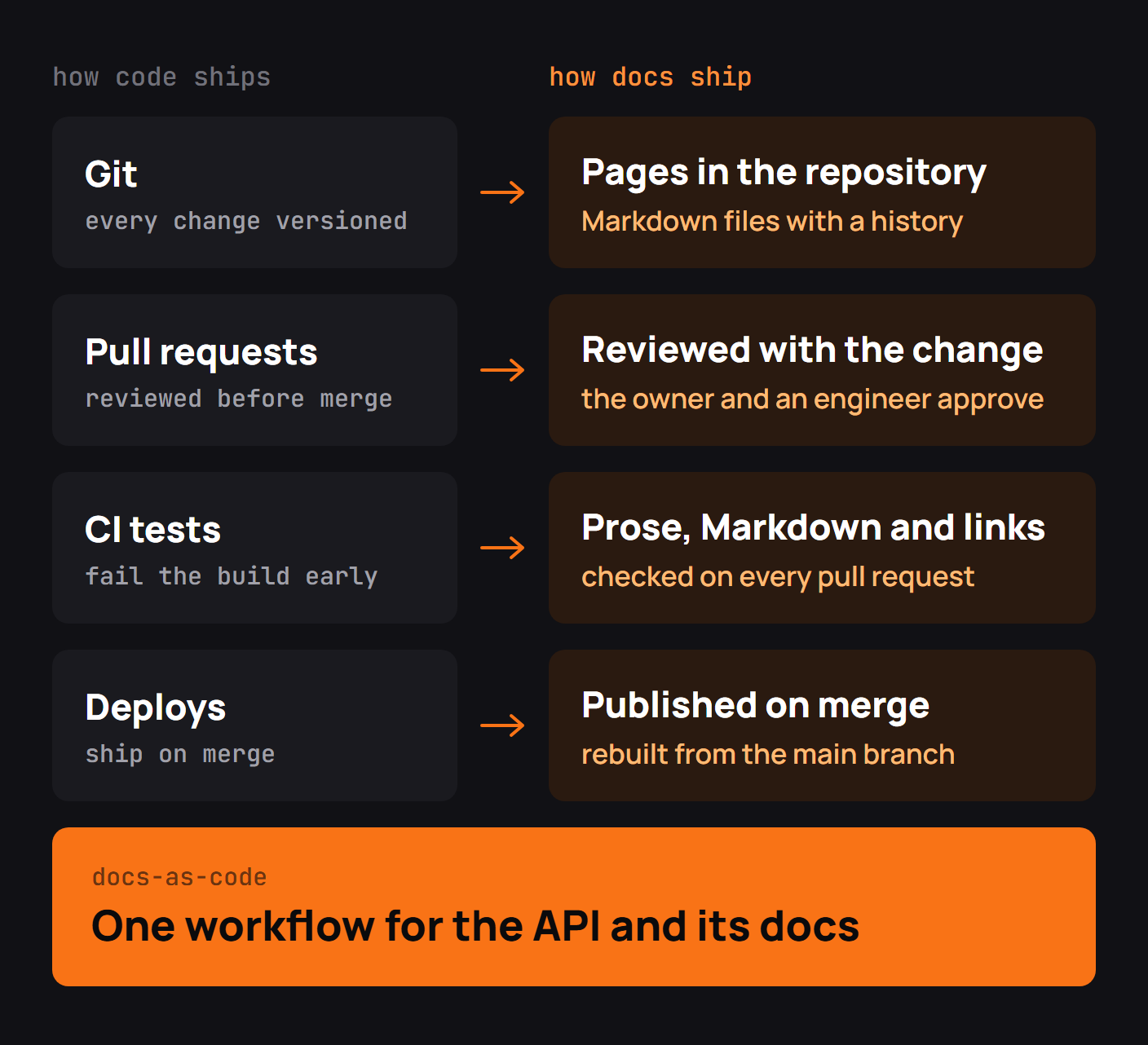
A docs-as-code example
GitLab's technical writers have described how this works in an actual product organization. In Five fast facts about docs as code at GitLab, Suzanne Selhorn, Susan Tacker and Diana Logan explain that engineers draft documentation for new features in the same repository as the code. Writers review those changes through merge requests, propose line-level edits, and use preview deployments to inspect the rendered pages. Their CI pipeline checks content before publishing it.
An interesting part of their account is the review history. Months after a change, the team can search the issue and merge request to understand why a sentence was added, rather than trying to reconstruct the decision from old email threads or detached document versions.
The case illustrates what docs-as-code improves beyond automation: conversations about technical accuracy become attached to the exact wording they change. That is hard to reproduce when the API lives in one system and its explanation is revised through emailed attachments.
A small repository might look like this:
service/
  src/
  openapi.yaml
  docs/
    quickstart.md
    authentication.md
    webhooks.md
  .github/workflows/docs.yml
The build turns these files into a documentation site, but the source remains readable without the site. That is one of the main advantages of the approach.
Docs-as-code tools
Git provides history and branches; GitHub or GitLab handles reviews; a static site generator or hosted docs platform builds the pages. For checks, Vale catches terminology and style problems, markdownlint enforces Markdown conventions, and lychee helps detect broken links.
Not all checks are equally valuable. A failing link is usually actionable. A style rule that conflicts with an accurate technical term may create noise. Start with rules your team trusts, and introduce stricter checks when you understand the false positives.
For an API, add validation of the OpenAPI file and a compatibility comparison against the last released contract. Otherwise, your prose may be reviewed carefully while the generated reference describes a different API.
Benefits of docs-as-code
The immediate benefit is traceability. A documentation edit has an author, a reason and a review conversation. Engineers can contribute without learning a separate publishing environment, and the same CI job can check every change.
It also makes content easier to move. A repository of Markdown pages and a checked-in OpenAPI spec does not lock the underlying knowledge to one vendor's editor. You may still need to migrate custom components, navigation settings and redirects, but the core content remains accessible.
There is also an organizational benefit: docs work becomes visible. A ticket about missing authentication guidance can be assigned, reviewed and closed like a product bug rather than living indefinitely in a private to-do list.
Drawbacks, and how teams handle them
A writing workflow built only for engineers can exclude excellent technical writers and product specialists. Git has a learning curve; merge conflicts in prose can feel unfamiliar; local builds can be slow; and custom MDX components can make an otherwise portable document dependent on a particular site.
GitLab's example shows one answer: make the review experience collaborative, with suggestions and previews, so contributors can inspect the actual page before merging. Other teams use visual editors that synchronize with Git. The aim is to keep reliable history without requiring every contributor to become a release engineer.
Put ownership rules around the workflow too. If nobody is responsible for final technical accuracy, more pull requests will not make the docs trustworthy.
Docs-as-code for API documentation
API documentation benefits especially from keeping the contract and the explanations close together. The spec can drive endpoint pages and SDK generation, while guides explain authentication, pagination, rate limits and full user tasks. When a request changes, a reviewer can see which guide now needs attention.
For example, suppose POST /events starts requiring an idempotency key. The API implementation, the OpenAPI header parameter and the “Send your first event” guide should change together. A passing Markdown build cannot tell you whether the example handles retries correctly; a task-level test can.
Keeping API documentation up to date covers contract testing and release checks for this workflow.
Docs-as-code with AI
Coding assistants are well suited to proposing text-file changes, comparing examples with a spec and finding links that point to renamed endpoints. They can also repeat outdated assumptions. Keep their edits in the same review process as human contributions, verify code samples and require a person to approve claims about product behavior.
Public documentation can additionally expose Markdown copies and an llms.txt index for agents reading the site. This is a publishing decision separate from how authors edit the source. AI-readable API documentation covers those outputs.
How to start with docs-as-code
Start with one useful area, usually the quickstart and authentication guide. Put those pages in Git, name a reviewer and make a preview available on every pull request. Add a broken-link check, then OpenAPI validation, then code-example tests as the system matures.
Resist rebuilding the whole docs site before the team has shipped its first small change. The point is to make the next accurate edit easy, not to replace writing with an elaborate pipeline.
Docs-as-code checklist
- Pages live in a readable, versioned text format.
- Reviewers can inspect both source diffs and rendered previews.
- Changes are assigned to a responsible technical owner.
- CI checks links, formatting and relevant API contracts.
- Guides that depend on changed endpoints are updated together.
- Publishing is repeatable and has a clear approval boundary.
- Content, images and redirects can be exported or migrated.
Docs-as-code with Octri
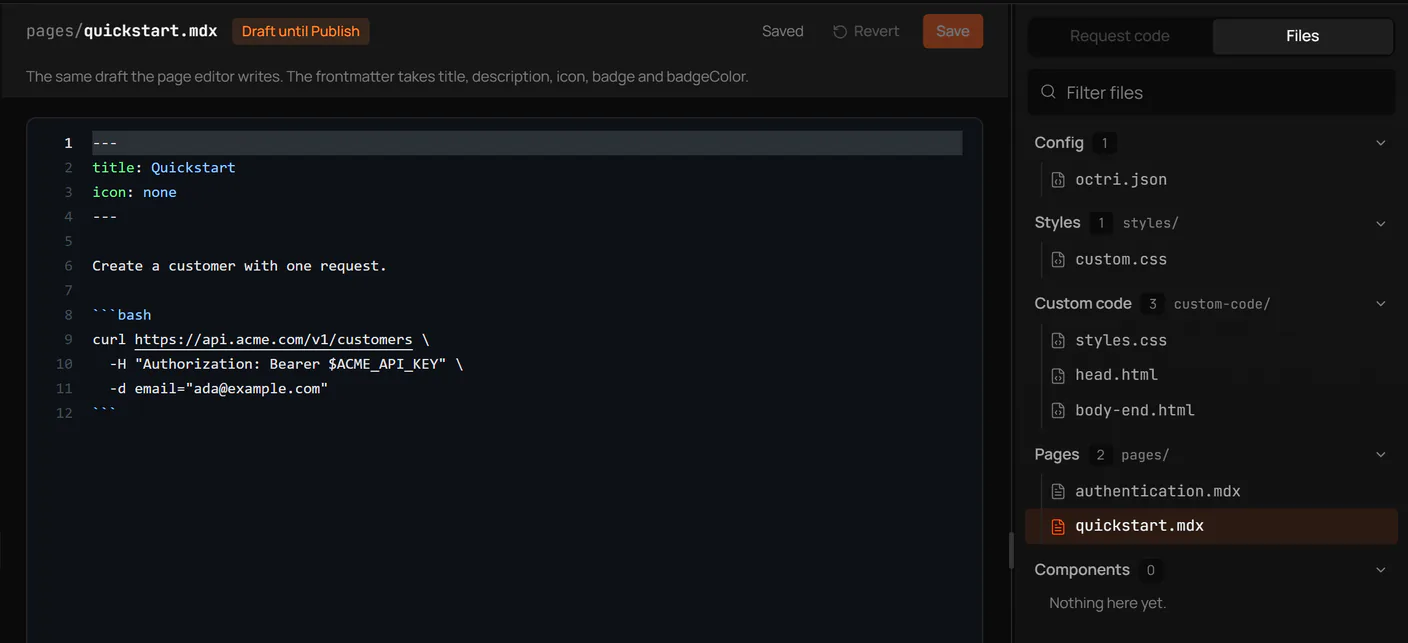
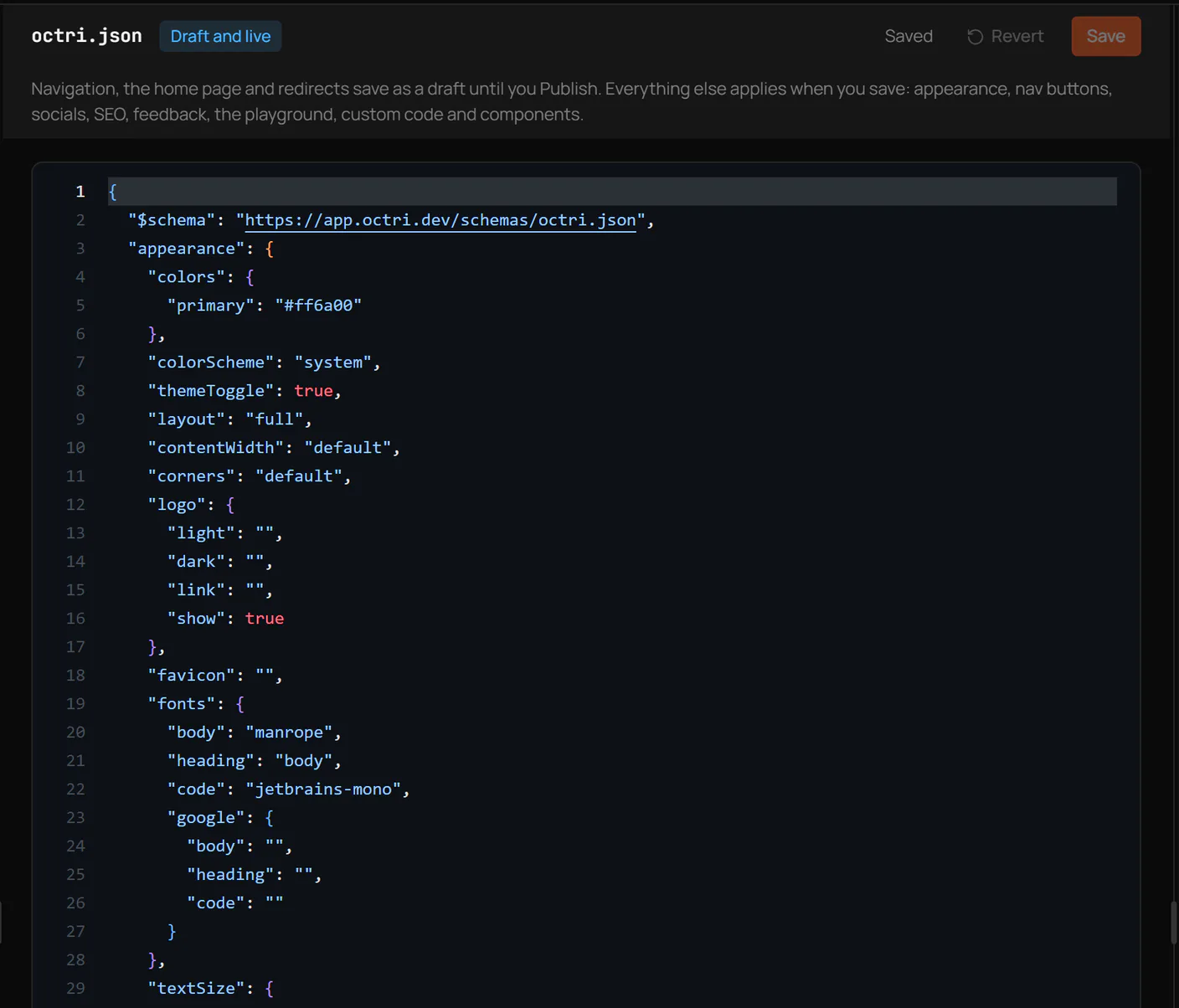
Octri API Studio supports MDX pages and visual editing, with a file-oriented view of documentation content and site configuration. Teams can connect their GitHub repository to bring the docs-writing workflow closer to the API code while publishing the result as a hosted site.
The strongest use of that setup is practical: keep the OpenAPI source and guides reviewable, test the examples, and give writers a way to improve pages without fighting the deployment pipeline. GitLab's experience demonstrates that the real payoff is not Git itself; it is a shared record of how the documentation was built and why it changed.