By the Octri team · Updated
Build vs buy API documentation: how to decide
A documentation site often starts as a side project. Someone already has an OpenAPI file, someone else knows enough CSS to make a header, and there is a free renderer that gets the first reference online before lunch. The difficult questions arrive later, when a customer searches for a concept that appears in three endpoints, a release needs two versions of the reference, or an engineer spends Friday fixing a documentation deployment instead of shipping a feature.
Deciding whether to build or buy API documentation is therefore less about which tool can render an endpoint today than about who will own the publishing system a year from now.
Should you build or buy API documentation?
If your documentation is read by a small internal team, a self-hosted reference and a handful of Markdown pages may be all you need. If it introduces external developers to a product they have never used, the site has to do more: teach the first workflow, make every error discoverable, keep old versions accessible and remain searchable as the API grows.
The decision depends on four things: the audience, the amount of written guidance beyond the reference, how often the API changes, and whether your team wants to maintain the infrastructure around the content.
A hosted platform may be worth paying for even when you can build the equivalent yourself. Conversely, a hosted platform is a poor trade if its permissions, deployment model, or customization limits prevent you from meeting a hard requirement. Treat both paths as engineering decisions with constraints, not identities to defend.
What building API documentation involves
A basic self-hosted setup is approachable. Keep the OpenAPI spec in Git, render it with Swagger UI or another reference generator, write explanatory pages in Markdown, and publish the result with a static-site tool such as Astro Starlight or MkDocs.
Then ask where a developer goes when they search for idempotency. Does search cover both the narrative guide and the parameter description? Can the docs site show the version their SDK still calls? Does the Try it form work from another origin, with the right authentication? Will a broken example fail a CI job? Who owns redirects when a page moves?
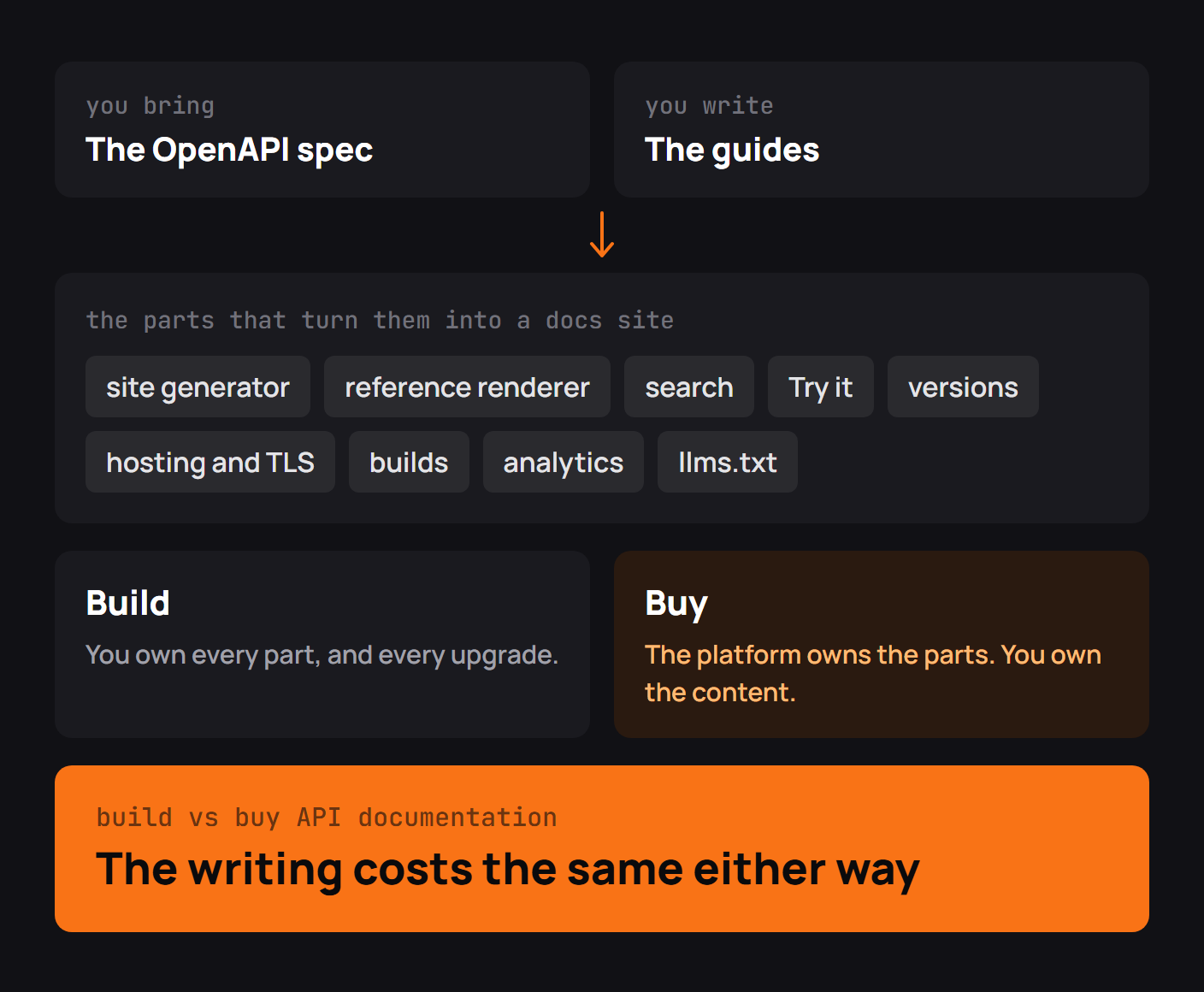
These are solvable problems. They are also separate pieces of software that need testing and upgrades. You might build search into the static site, place a proxy between the playground and the API, configure deployment previews, add analytics, and maintain a release pipeline for every supported spec. Ownership becomes expensive at exactly the point where the docs begin to matter to customers.
What buying API documentation gets you
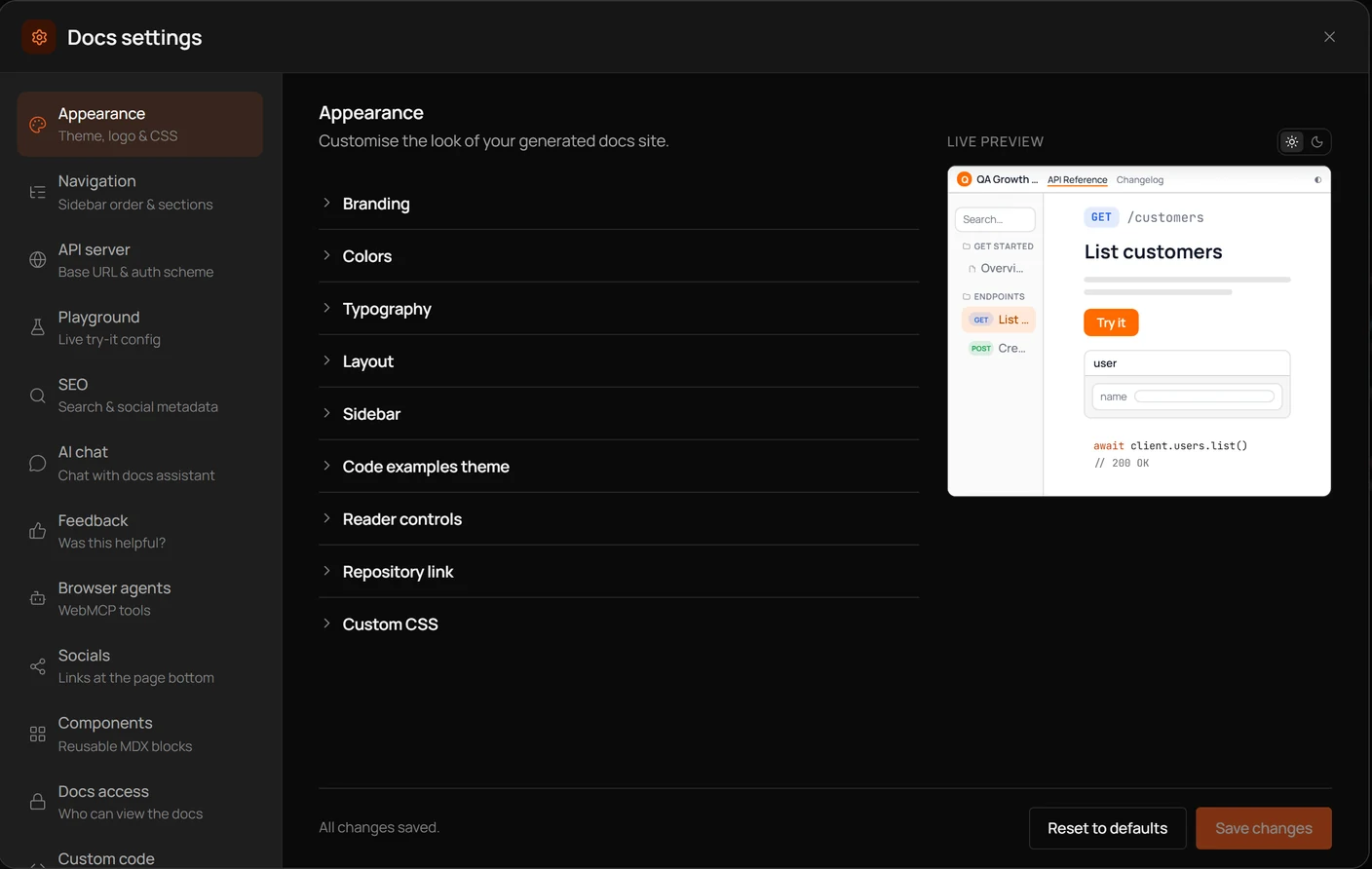
A hosted documentation platform takes responsibility for some combination of hosting, reference generation, search, authentication, interactive requests, themes, navigation, and publishing. You still write the guides and maintain the API contract. The provider maintains the machinery that turns them into a site.
There is a useful real-world account of how that trade changes as a product grows. In HubSpot's 2025 account of rebuilding its developer documentation, principal developer advocate Nikita Jotwani describes how the team had repeatedly chosen to maintain its own platform because its requirements seemed too unusual for an off-the-shelf product. Eventually, much of its effort went into infrastructure rather than making the documentation easier to use. The team moved to a hosted platform after finding one that could meet most of its requirements, freeing it to focus on developer education and more precise information for AI tools.
That experience is worth reading because it contains a complication missing from many build-versus-buy comparisons: HubSpot did not suddenly discover that building was impossible. Its priorities changed, and the cost of maintaining the platform had begun to crowd out the work the documentation was meant to support.
A hosted platform also creates dependencies. Before choosing one, test how much of your content is exportable, whether you can preserve URLs, which features belong to each plan, what can be customized, and how it handles failures. A good hosted docs site should let you concentrate on the content without making the content difficult to leave with.
How to compare the cost
A subscription is visible on an invoice. Internal maintenance is distributed across people and sprints, which makes it easier to underestimate.
For a fair comparison, price the first implementation separately from the ongoing work. Include hosting, search, security updates, build failures, upgrade testing, analytics, playground requests, redirects, and the person who understands the whole system. Also include any migration effort if you later change approaches.
A simple model is enough:
Annual self-hosted cost = initial engineering effort
                        + (monthly maintenance hours x hourly cost x 12)
                        + infrastructure and services

Annual hosted cost = subscription
                   + migration or integration effort
                   + any remaining internal customization work
Consider a deliberately hypothetical team that spends eight engineering hours per month maintaining its docs stack. At an internal cost of $75 per hour, that is $7,200 per year before hosting or the original build. A hosted plan costing $300 monthly would be $3,600 annually, before migration and customization. Change either assumption and the answer may reverse. That is why a useful decision memo shows its inputs instead of presenting a universal winner.
When building makes sense
Build when documentation is part of a unique product interface, when your deployment or regulatory requirements rule out hosted publishing, or when the existing engineering workflow already maintains an inexpensive docs stack without friction.
An open-source library whose contributors already update Markdown through pull requests can have excellent documentation without a commercial platform. A small internal API may need little more than a checked-in spec and a reliable reference renderer. The right question is whether additional infrastructure would meaningfully improve the reader's experience.
Be cautious about building because the initial version looks easy. Rendering an OpenAPI file is the beginning, not the whole operating model.
When buying makes sense
Buying becomes compelling when the people writing docs are waiting on engineering to make ordinary publishing changes, when support repeatedly points users to missing or difficult-to-find content, or when versioning and analytics are becoming permanent in-house projects.
The HubSpot story offers a useful test: after the next release, does the documentation team spend its time explaining new behavior, or keeping the website operational? If the latter is consuming a meaningful share of capacity, the hidden cost has started to surface. That does not prescribe any specific vendor. It tells you what to measure.
A hybrid: docs as code, hosted for you
You do not have to surrender Git to stop running the publishing stack. Many teams keep Markdown or MDX and the OpenAPI spec in repositories, require pull-request reviews, and publish through a hosted platform. The content stays in a familiar workflow while search, rendering and the domain are handled elsewhere.
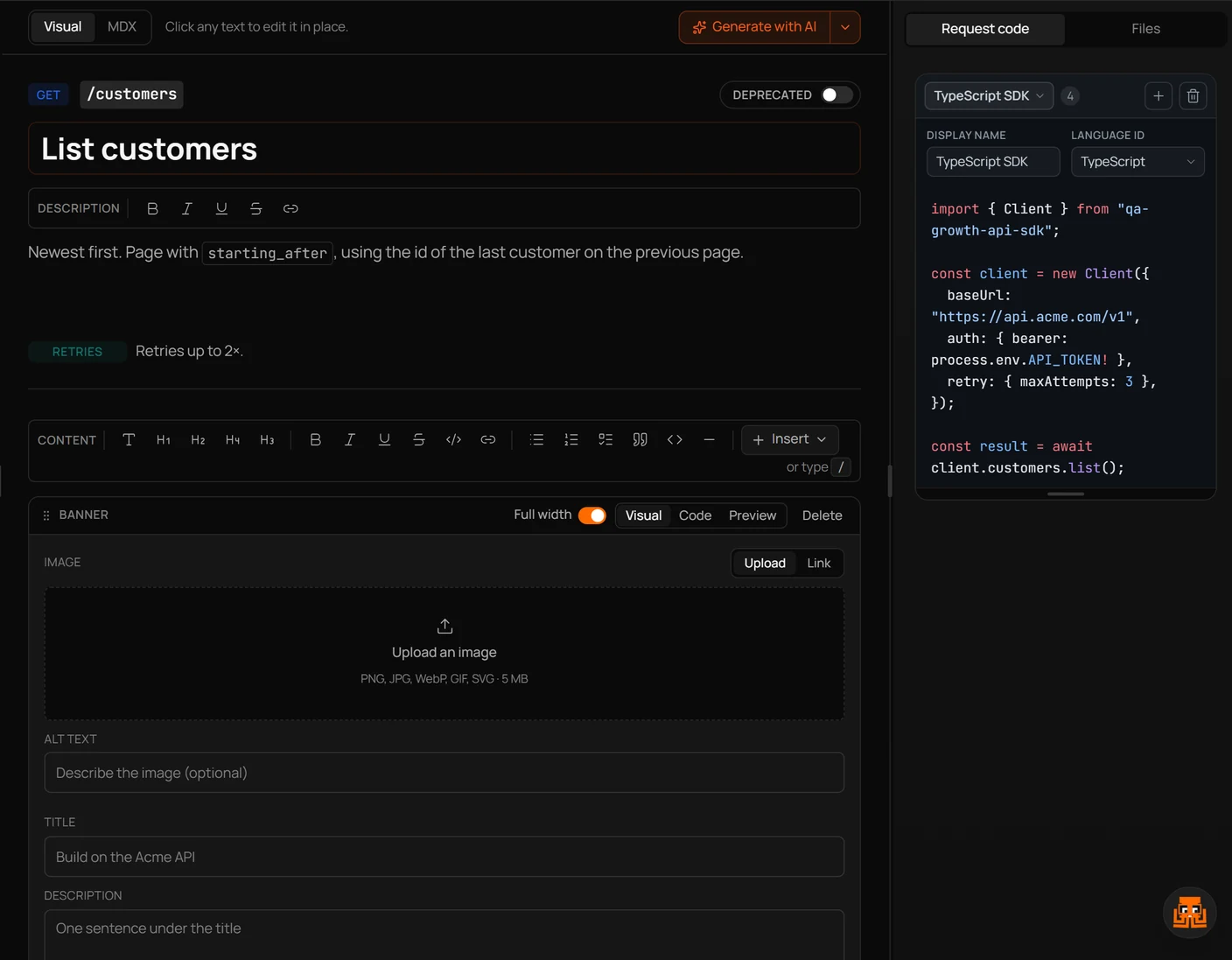
That separation is useful for mixed teams. Engineers edit an endpoint description in code; a technical writer improves the guide; both changes can be reviewed in a diff. A visual editor can help contributors who do not want to write Markdown, provided it operates on content that can still be exported.
Docs-as-code is a workflow rather than a hosting choice. Think of Git as where you retain the record of what the documentation says, and the site generator or platform as how it reaches readers.
Keep your content portable
Whichever path you choose, protect three assets: the OpenAPI description of the API, the prose explaining how to use it, and the public URLs people have bookmarked.
Keep contract information in OpenAPI instead of burying it in a proprietary page field. Write guides in a format you can export, such as Markdown or MDX. Maintain a list of canonical URLs and redirect rules, especially for reference pages whose paths may be generated automatically. Verify that images and custom components have an exit plan as well.
Portability does not eliminate migration work, but it prevents a change of publishing tool from becoming a complete rewrite of the API's public knowledge.
Build vs buy API documentation checklist
Before signing off on a direction, put these questions in the decision record:
- Can a new developer reach a first successful request without asking for help?
- Which features beyond reference rendering are actually required: search, guides, versions, playground, analytics, access control?
- How many hours per month does the current or proposed self-hosted stack need?
- What does the hosted plan include, and what requires higher tiers or custom work?
- Can editors review docs changes in Git, and can you export the content later?
- What happens to existing URLs if you switch providers?
- Who responds when the docs site or its publishing pipeline fails?
If the answers are vague, run a small pilot with a real spec and a real guide before committing.
API documentation with Octri
Octri API Studio is one hosted option for teams that want their reference and written guides in the same place. It accepts an OpenAPI spec, builds endpoint pages and SDK-based request examples, and provides an interactive playground. Guides can be edited visually or in MDX, with GitHub synchronization for teams that want their writing workflow to stay in the repository.
The useful comparison is concrete: publish a representative endpoint, test the authentication path, write a short guide, try search, and see how the result behaves after the spec changes. Octri can handle the publishing machinery, but it cannot decide what your developers need explained. That responsibility belongs to whoever knows the API and pays attention to the readers using it.