Inside Octri SDK Studio: Tune Every SDK, See the Code Change Live
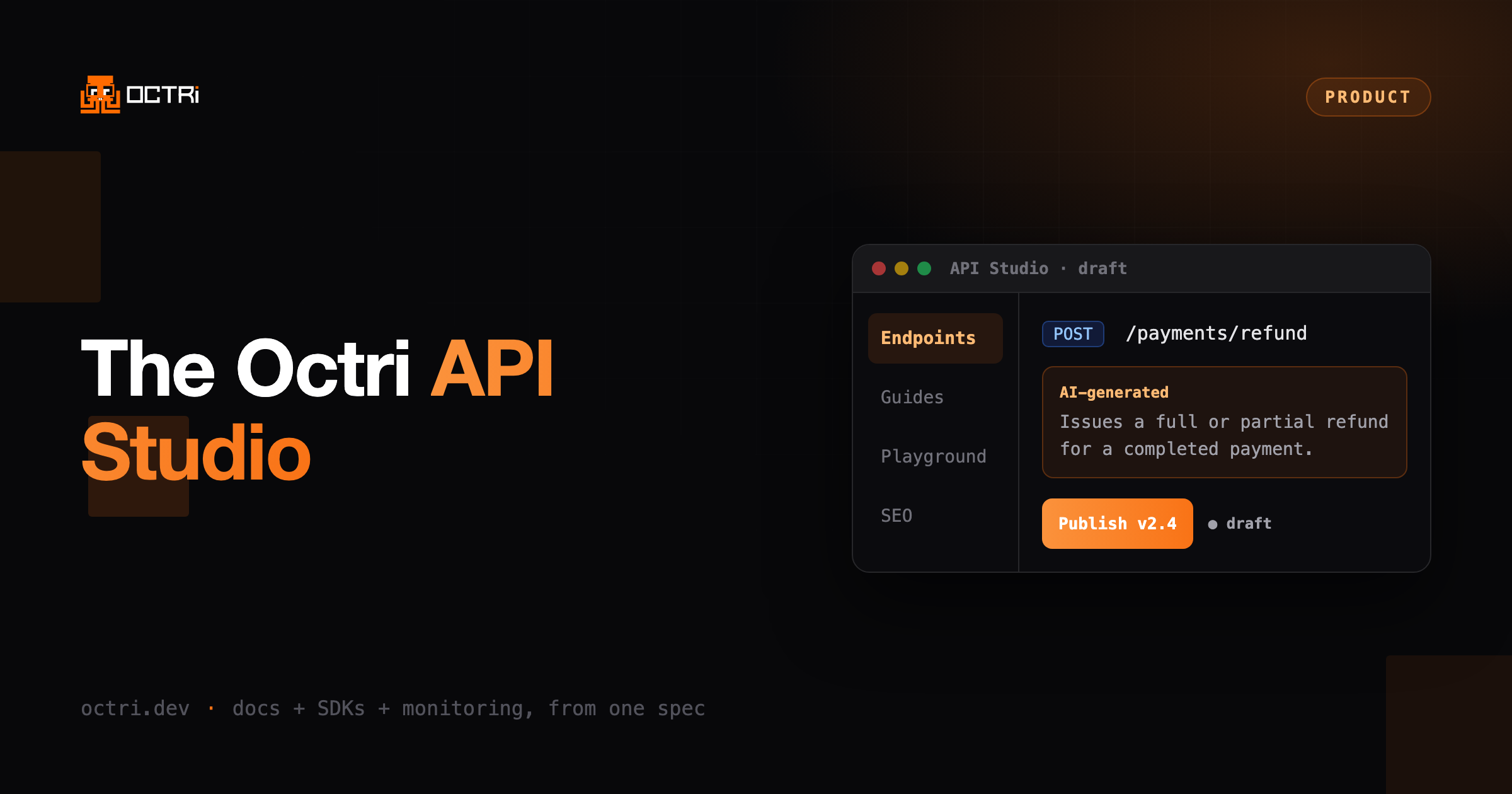
SDK Studio turns every knob on your generated SDKs in a real UI, per endpoint, with a live preview of the code as you change it. Package names, retries, pagination, streaming, deprecations, auth, custom transforms, and which endpoints ship.
Most SDK generators give you a config file and a set of options they decided to expose. If the knob you need is there, you edit YAML and regenerate. If it isn't, you fork the output. Either way you are working blind, guessing at what the generated code will look like until the build finishes.
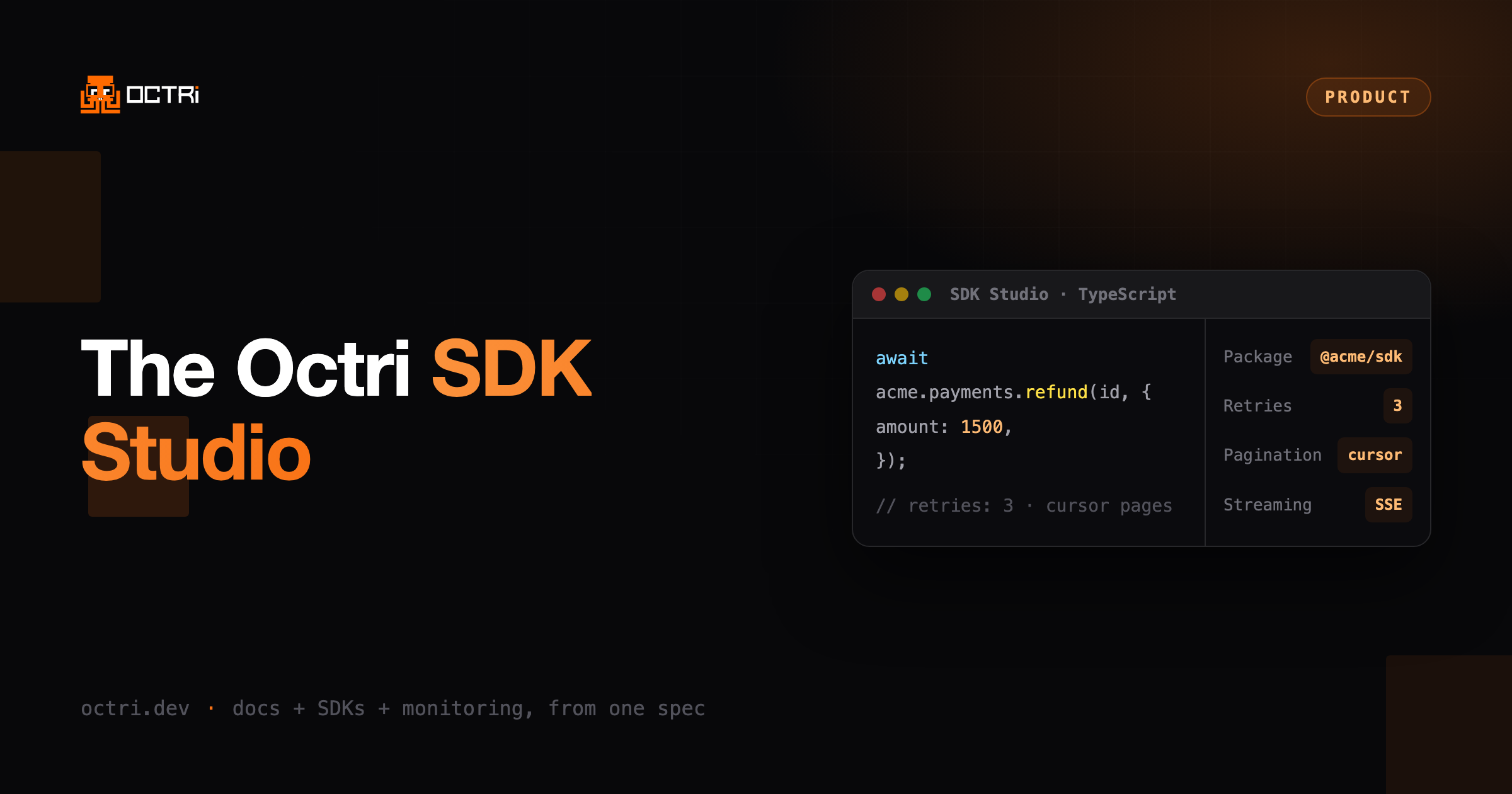
SDK Studio replaces that with a UI. You customize each SDK per endpoint, and a live snippet preview shows the generated code changing as you adjust the options. The preview morphs in place, so you see exactly what your users will call.
What you can control
The package. Set the package name, version, and registry scope for each language. This is what ships to npm, PyPI, crates.io, pkg.go.dev, and the rest. See publishing.
Reliability. Configure retries with max attempts, base backoff, and max backoff, plus request timeouts. Your SDK handles rate limits and transient failures the way you decide, not the way a default decided. See retries and timeouts, and idempotency for why a retried write does not charge twice.
Pagination. Pick the pagination strategy that matches your API so list endpoints return clean iterators instead of raw pages. Each strategy and the fields it needs are in the pagination guide.
Streaming. Choose the streaming format for endpoints that stream, so long-running responses are first-class in the SDK. See streaming.
Deprecations. Mark an endpoint deprecated and attach a message. The SDK carries the warning to the developers using it. See versioning.
Auth. Set the authentication scheme once and the SDK wires it into every call. See authentication.
Custom transforms. Run your own transform commands over the generated code, plus before and after hooks, for the cases no option covers. This is the escape hatch other generators make you fork for. Transforms rewrite the spec for every language at once; hooks wrap a single endpoint in one language.
Shape and surface. Choose class-based or functional style. Hide internal endpoints from the SDK with a click, or include them again. Rename and tag operations. The generated surface is the one you want, not the one the spec happened to produce. See client shape.
The live preview is the point
Every change updates a real code sample for the selected endpoint. You are not reading option docs and hoping. You pick "cursor pagination" and watch the call signature update. You bump retries to 3 and see the client config change. When it reads the way you want, that is the SDK your users get.
From studio to shipped
When you publish a release, Octri builds SDKs across your languages. GitHub spec sync defaults to a draft and diff for review. You can choose automatic publication on merge; ready SDKs then reach linked registries when registry auto-publish is on. The Deployments view records what shipped and when. Generating an SDK walks the path from spec to build, and publishing covers connecting each registry.
And because Octri generates the SDK, it can also watch it. Every SDK you tune here can report production errors, de-minified and tagged to the release, after project monitoring is enabled, the SDK is rebuilt, and its user turns reporting on. Customization and observability come from the same place. See monitoring, or why generated SDKs break silently for the reasoning behind it.
Settings in Studio apply project-wide, and most can be overridden per language or per endpoint, narrowest first. The SDK overview has the full map of which setting lives where.
Shape your SDKs in SDK Studio, free. Get started.