How to Generate API Documentation from an OpenAPI Spec (2026 Guide)
How to generate API documentation from an OpenAPI specification, and how to keep it in sync so it stops drifting from your code.
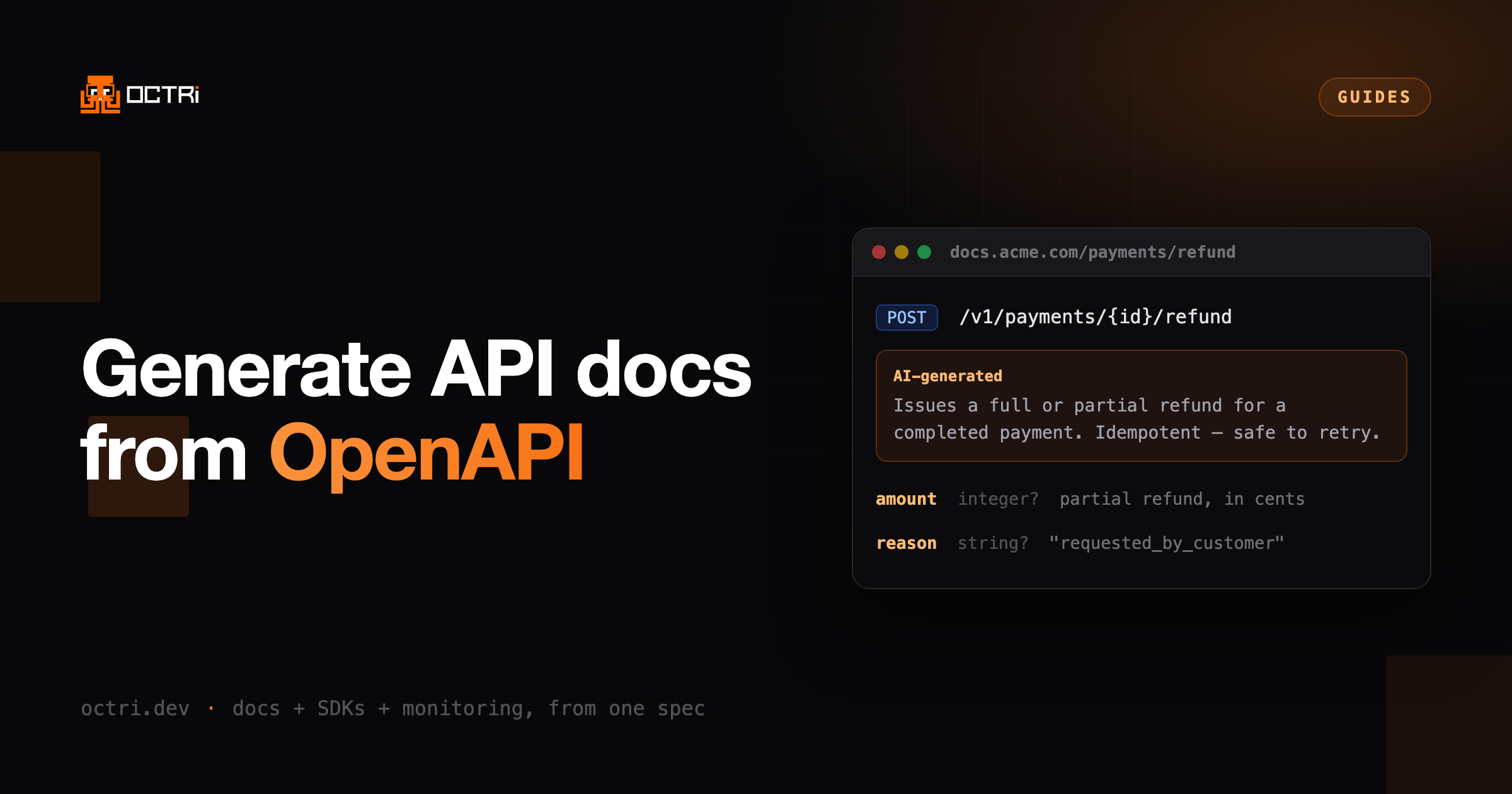
Good API documentation decides whether a developer integrates your API in an afternoon or gives up before lunch. The reliable way to get there is to generate your documentation directly from your OpenAPI specification. This guide covers the whole path, from writing the spec to hosting docs that update themselves.
What is an OpenAPI spec?
An OpenAPI specification (formerly Swagger) is a machine-readable document, written in YAML or JSON, that describes every endpoint your API exposes: paths, parameters, request bodies, responses, authentication and data models. Because it is structured data, tools can read it and generate documentation, client SDKs, mock servers, and tests from a single source of truth.
If you already have an openapi.yaml or swagger.json, you are ready to
generate docs. If not, most modern frameworks can emit one for you.
Why generate docs from the spec instead of writing them by hand?
Hand-written documentation has one fatal flaw: it drifts. Add a field or change a status code and the prose is wrong. Nobody notices until a customer files a ticket.
Generating docs from the spec flips that around:
- One source of truth. The spec describes the API; the docs are derived from it, so they can never silently disagree with the contract.
- Speed. A complete reference site comes out of one command.
- Consistency. Every endpoint is documented the same way, with the same structure for parameters, responses, and errors.
- Free downstream artifacts. The same spec generates SDKs, Postman collections, and mock servers.
Treat your OpenAPI document like source code: review it, lint it, and keep it in version control. Everything downstream inherits its quality.
Step 1: Write and validate your OpenAPI spec
Start from a small, correct spec and grow it. Here is a minimal but valid example:
openapi: 3.1.0
info:
  title: Invoices API
  version: 1.0.0
paths:
  /invoices:
    post:
      operationId: createInvoice
      summary: Create an invoice
      requestBody:
        required: true
        content:
          application/json:
            schema:
              $ref: "#/components/schemas/InvoiceInput"
      responses:
        "201":
          description: The created invoice.
          content:
            application/json:
              schema:
                $ref: "#/components/schemas/Invoice"
components:
  schemas:
    InvoiceInput:
      type: object
      required: [amount, currency]
      properties:
        amount: { type: integer, description: Amount in the smallest currency unit. }
        currency: { type: string, enum: [usd, eur, gbp] }
    Invoice:
      allOf:
        - $ref: "#/components/schemas/InvoiceInput"
        - type: object
          properties:
            id: { type: string }
Before generating anything, validate the spec in CI so a broken document can never ship:
npx @redocly/cli lint openapi.yamlStep 2: Choose how you'll generate the docs
There are three broad approaches. Pick based on how much control and automation you need.
| Approach | Effort | Stays in sync? | Best for |
|---|---|---|---|
| Static generator (CLI) | Low | Manual rebuild | Simple, self-hosted references |
| Interactive UI embed | Low | Manual rebuild | Quick "try it" reference pages |
| Managed, auto-synced | Lowest | Automatic | Teams that ship often |
The first two are fine for a spec that rarely changes. If your API changes every release, pick an approach that regenerates docs from the spec on each push. Otherwise you are back to manual drift.
Step 3: Generate the documentation
With a validated spec, generating a reference site is a single command with most tools. The output is a set of static pages describing every endpoint, grouped by tag, with request/response schemas rendered from your components.
The quality of that output is bounded by the quality of the spec. That is why the next section matters more than the tool you pick.
Step 4: Host the docs and wire up search
Documentation only helps if developers can find and read it:
- Serve it on a fast, cached URL (a CDN or a static host). On Octri that URL is live from your first upload, and a custom domain moves it to your own hostname.
- Add full-text search so readers can jump straight to an endpoint. See search and AI chat, which also answers reader questions from your published pages.
- Include copy-paste code examples and, ideally, a live "try it" console.
- Expose an
sitemap.xmland clean canonical URLs so search engines index every endpoint page. See SEO.
Step 5: Keep the docs in sync automatically
This is the step teams skip, and the reason so many API docs are subtly wrong. Connect documentation generation to your pipeline so it re-runs whenever the spec changes:
- A push updates
openapi.yaml. - CI validates the spec.
- Docs regenerate from the new spec.
- Only the pages that changed are rebuilt and re-published.
Once that loop runs, the reference stays current without anyone maintaining it.
Best practices for generated API docs
A few habits make a large difference to the generated output. We go deeper on these in Ten Habits for Writing Great OpenAPI Specs:
- Give every operation an
operationId. It becomes the anchor link and the SDK method name. - Write real
descriptionandsummaryfields. "Returns the authenticated user's profile" beats "Get user." - Add
examplesto request bodies and responses. They flow straight into the docs and the try-it console. - Model your errors explicitly with documented
4xx/5xxresponses. - Reuse
componentswith$refso shared schemas render consistently. - Tag operations into logical groups so the sidebar has a sensible order.
Common mistakes to avoid
- Documenting only the happy path and omitting error responses.
- Leaving
operationIdblank, producing unreadable anchors and SDK names. - Editing generated HTML by hand. Your changes vanish on the next build.
- Letting the spec and the running API diverge because nothing validates them.
Frequently asked questions
Is OpenAPI the same as Swagger?
Effectively yes. "Swagger" was the original name; the specification was donated to the OpenAPI Initiative and renamed OpenAPI. Swagger now refers to a set of tools built around the OpenAPI spec. You can read the current specification at spec.openapis.org.
Can I generate SDKs from the same spec?
Yes. The same OpenAPI document that produces your docs can generate typed client libraries in many languages. SDKs and docs then come from one contract and cannot disagree. Octri does ten of them, documented in the SDK guides, and can publish each one to its native registry.
How do I stop my docs from going out of date?
Automate generation in CI so docs regenerate from the spec on every change, and publish only the pages that changed. Manual rebuilds are where drift creeps in.
Do generated docs help with SEO?
They can, if each endpoint gets its own crawlable page with a clean canonical URL, descriptive titles and a sitemap. That turns your reference into hundreds of indexable, long-tail landing pages. Octri emits a canonical URL per page and derives sensible titles on its own; the SEO guide covers what you can override, including Open Graph images and whether a project is indexable at all.
Turn your spec into docs
You don't have to wire this pipeline together yourself. Octri takes your OpenAPI spec, generates documentation and production-ready SDKs, and keeps both in sync on every push.
Create your first project, or read the docs to see how it works.