The Octri CLI: Your Whole Project From a Terminal
One binary pushes your spec, builds SDKs in ten languages, publishes docs, uploads source maps from CI, and reads back the production errors those SDKs report. It carries an MCP server, so an AI assistant can drive the same commands.
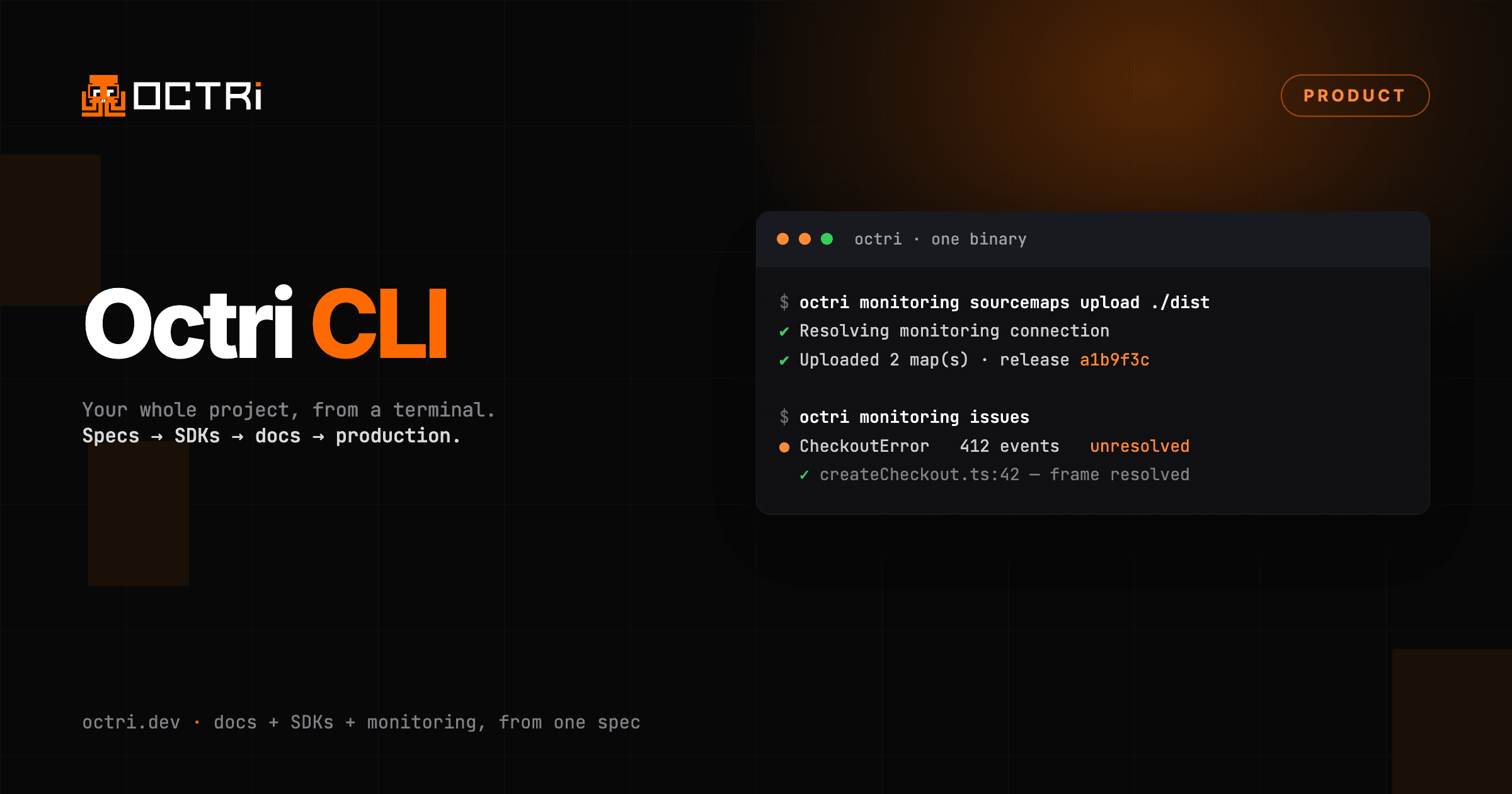
Octri has a command line.
npm install -g @octri/cli
octri auth login
It does what the dashboard does. Push a spec, build SDKs across ten languages, publish a docs version, upload source maps from CI, then work through the errors those SDKs report from production. One binary, the whole loop.
The shape of a session
octri specs push ./openapi.yaml
octri sdk build --lang go,typescript --download
octri docs versions publish <specId>
specs push waits for the pipeline, not the upload. The spec parses in about a second; the doc pages, search index and changelog are written behind it, and the spinner names the stage it is on rather than sitting on a generic "working".
sdk build renders a lane per language in a terminal and repaints it through generating, verifying, packaging, installing, ready. Piped or in CI it drops to append-only lines and exits non-zero if any language fails, so it works as a build step without a flag.
Monitoring, from the same prompt
An SDK you hand to someone else is the least observed code you ship. Octri instruments the ones it generates, and the CLI reads both ends of that.
Uploading symbols from CI needs three secrets, because a CI job has no session:
octri monitoring sourcemaps upload ./dist \
  --url "$MONITORING_URL" \
  --token "$MONITORING_TOKEN" \
  --environment "$MONITORING_ENVIRONMENT"
On your own machine you are already signed in, and the CLI knows which project you selected. So it collapses to this:
octri monitoring sourcemaps upload ./distRun octri monitoring config when you need those three values to paste into a secret store.
Then read what came back:
octri monitoring issues --status unresolved
octri monitoring issue a70f33c1── CheckoutUnavailableError: The payment dependency did not respond in time
status unresolved
events 412
users affected 38
endpoint POST /v1/checkouts
Stack
✓ createCheckout src/checkout/createCheckout.ts:42
throw new CheckoutUnavailableError(payment.requestId);
✓ processCheckout src/routes/checkouts.ts:88The tick on each frame means it resolved against a source map you uploaded. When none of them resolve, the release those errors came from has no symbols, and the CLI says so instead of leaving you to work out why the trace is unreadable.
Triage lands in the dashboard against your name, the same as clicking:
octri monitoring resolve a70f33c1
octri monitoring comment a70f33c1 "Fixed in 2.4.1, watching"
After a deploy
The question after every release is whether it made things worse.
octri monitoring releasesOne row per release with its error rate, its new issues, and its regressions. octri monitoring performance gives you the slowest transactions with p50 and p95, and any N+1 query patterns underneath them.
What else is in there
- Docs. Publish a version, label it, set the default, add a custom domain and read back the DNS records to create. Regenerate pages, publish a draft, inspect the navigation.
- Organisation. Members, roles, invites, usage, billing status, invoices. Switch between organisations without logging out.
- API keys. Create one for a pipeline, list them, revoke them.
- GitHub. Point a project at a spec file in a repo, turn on sync, pull it now.
- Spec quality.
octri sdk auditscores your spec and marks which findings the generator can fix.octri sdk audit apply <key>writes the fix in.
Everything takes --json, which prints one document on stdout and nothing else, so it composes with jq.
And for an assistant
octri mcp serveThat exposes the same surface over MCP as typed tools. An assistant can push a spec, wait for the build, read the generated Go, and then read the production error that build caused. Credentials stay in your profile; the assistant never sees them. Publishing to public registries and deleting specs are refused unless you start the server with --allow-publish or --allow-delete.
Full reference in the CLI docs.
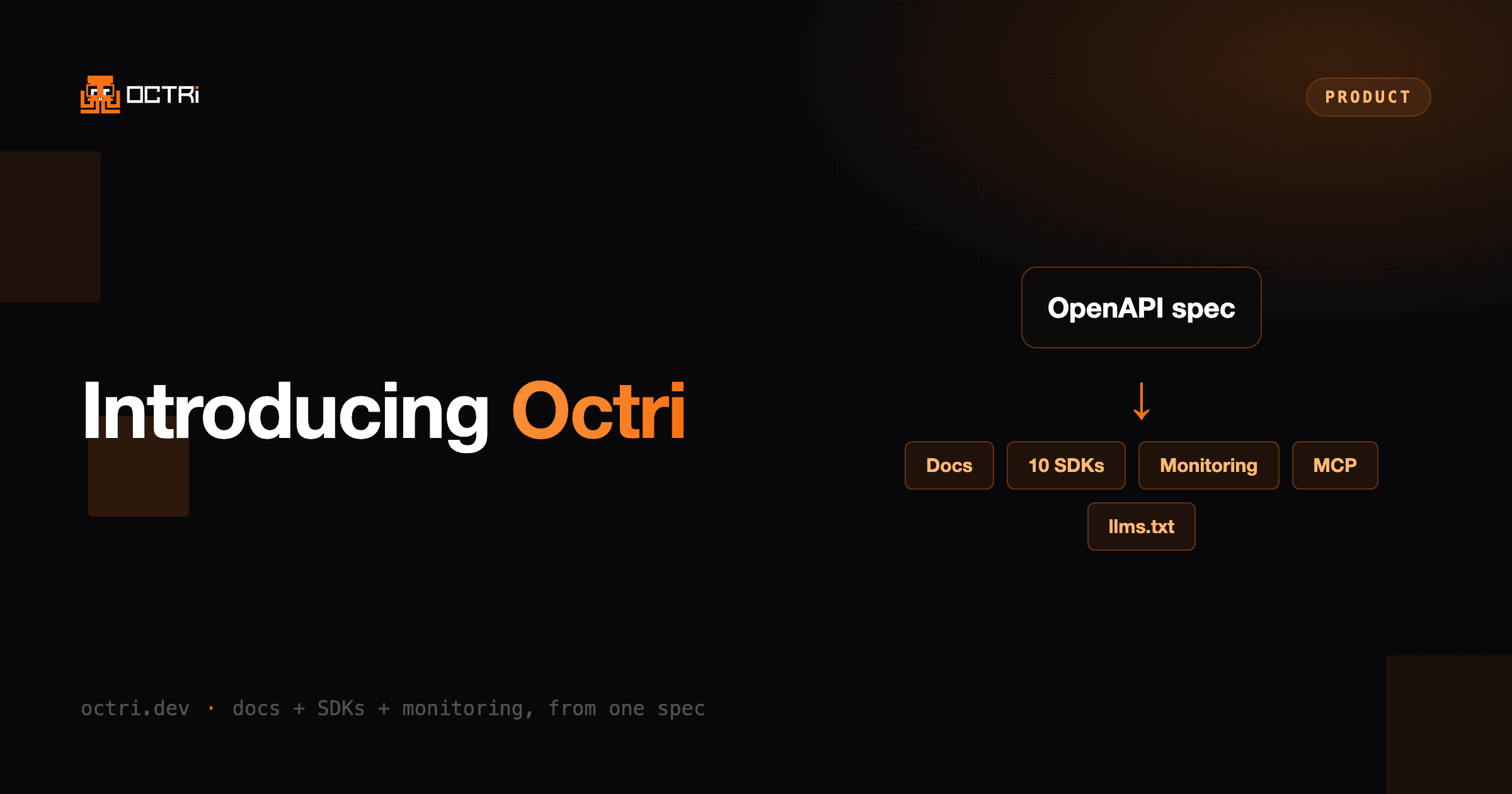
Octri turns an OpenAPI spec into docs, SDKs in ten languages, an MCP server and monitoring. Try it on your own spec.