Inside Octri API Studio: Docs You Edit Like an App, Not a Repo
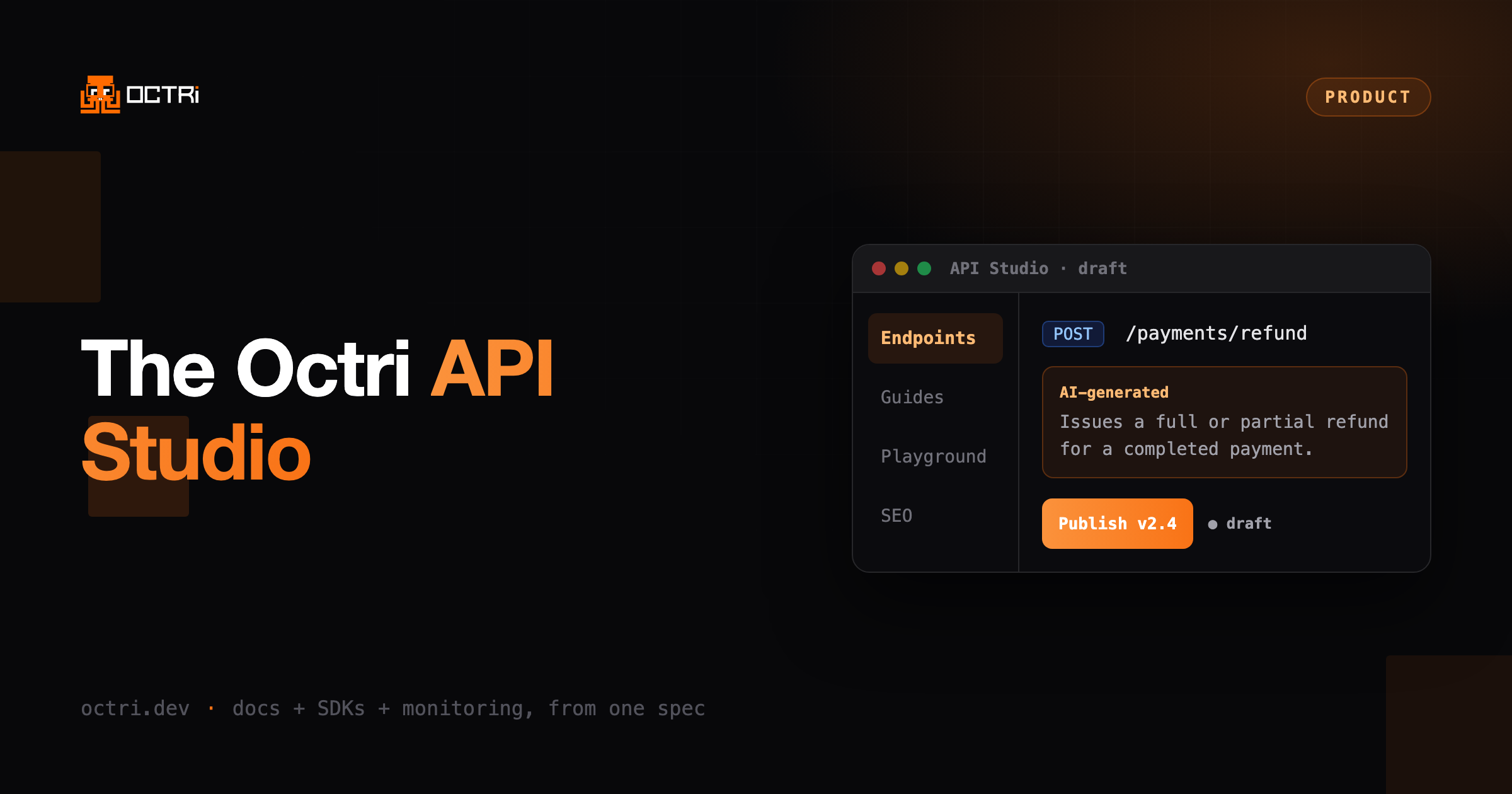
API Studio is a three-pane visual workspace for your docs. Edit an endpoint, watch the page render beside it, drag pages into groups, tune the playground and SEO, and publish a version. No markdown-in-a-repo ceremony.
Most API docs tools ask you to edit markdown in a repo, push, and wait for a preview build to see what you changed. That loop is slow, and it keeps anyone who isn't comfortable in Git out of the docs entirely.
API Studio is the opposite. It is a workspace you open in the browser and drive directly. Three panes: your navigation on the left, the page or endpoint you are editing in the middle, and an inspector on the right. Change something and the rendered result is right there. When it looks right, you publish a version.
The three panes
Navigation. Build the shape of your docs without touching a config file. Add documentation tabs, group pages, nest subgroups by dragging, and drop in custom pages or external links. The tree you build is the tree your readers get. How the sidebar is built and ordered.
The stage. This is where you edit. Pick an endpoint and you can refine its description, parameters, and responses, all generated from your spec to start. Add editable code samples per language. Write a custom guide page in a block editor. The middle pane always shows the real rendered page, not a raw-text approximation. Writing guides covers drafts, groups, and slugs.
The inspector. Context for whatever you have selected: metadata, code samples, and the settings that apply to the current page.
It starts from your spec, then gets out of your way
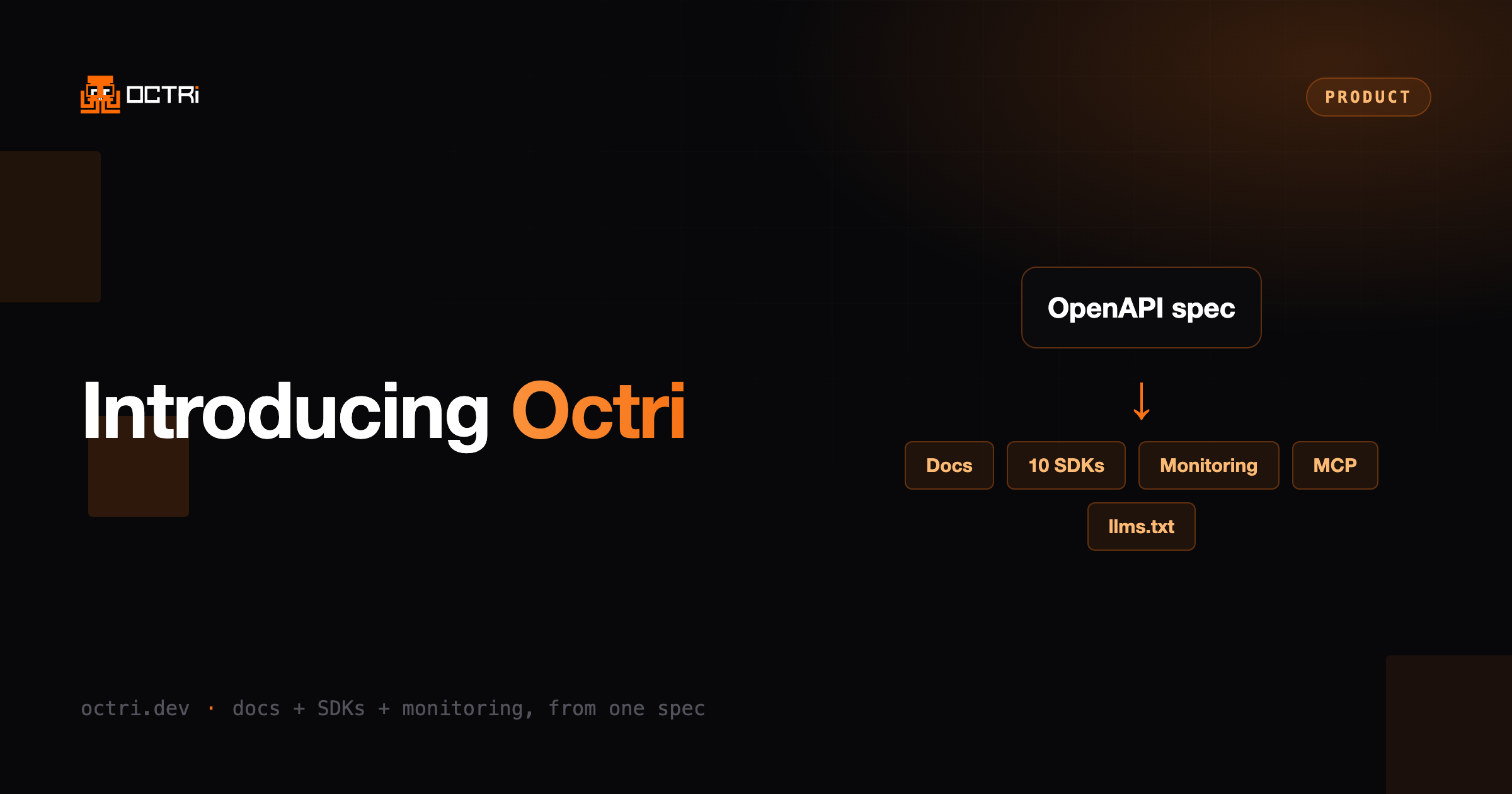
Point Octri at an OpenAPI file and API Studio fills itself in. Every endpoint arrives with an AI-written description, parameter docs, error guides, and runnable examples. You are not staring at a blank editor. You are editing a complete draft and improving the parts that need a human touch.
Because it is a draft on the client until you publish, you can move fast and commit when you are ready. Publishing cuts a version, so your public docs update as a deliberate act rather than on every keystroke. Readers switch between published versions from a picker, which the versioning guide explains.
The settings that come with it
API Studio is more than an endpoint editor. The settings panels cover the rest of a real docs site:
- Appearance. Theme the site to match your brand.
- Components. Build custom content blocks in a visual Component Studio and drop them into any page. See custom components, or the built-in set they extend.
- Guides. Author long-form pages with a block editor next to your reference docs. See writing guides.
- Playground. Give readers an interactive console to call your API from the docs.
- SEO. Set titles, descriptions, Open Graph images, favicons, and keywords per page, so the docs rank and share well. See SEO.
Two more settings live beside them and matter once the docs are public: a custom domain to serve them from your own hostname, and access control if they should not be public at all.
Why this matters
Documentation quality is a function of how easy it is to keep good. If editing the docs means a pull request and a build, the docs drift. If a product manager or a support lead can open a page, fix the wording, and publish, they stay sharp.
And the docs are only half of what API Studio produces. The same spec drives your SDKs and their monitoring, from the same publish. One source of truth, one place to edit it.
For the full picture of what a docs site gives you and what you add by hand, start at the documentation overview.
Open API Studio on your own spec, free. Get started.