When Cache Hits Starve the Event Loop
Awaiting every lookup does not guarantee that other work gets a turn. A small Python and Node.js experiment shows how cache hits can delay a timer, and where to put an explicit yield.

We scheduled a timer for 10 milliseconds, then started a loop that awaited two million cache lookups. Every value was already in memory. The timer still had to wait until the loop finished: about 270 milliseconds in Python and 142 milliseconds in Node.js.
At a glance, the loop seems to leave plenty of room for other work. The lookup is an async function, and every call has an await in front of it. But getting a result through an async interface doesn't tell us when an unrelated timer will get to run.
A cache makes this easy to overlook. A miss may leave the caller waiting for a backend request, giving other work a turn. A hit can remove that wait. When a loop processes a large collection of ready results, it needs another way to share execution time with the rest of the application.
We can see the problem with a cache that contains just one value.

A long sequence of immediately available results can keep other work waiting.
Start with the cache hit
Here's the Python loop. The lookup always returns 42, and the caller adds each result to a running total:
CACHE = {"value": 42}

async def cached_lookup(key):
    return CACHE[key]

async def total_cached_values():
    checksum = 0
    for completed in range(1, 2_000_001):
        checksum += await cached_lookup("value")
    return checksum
We're keeping the async interface to model a lookup that could also fetch missing data. This example exercises only the hit path, so there's no backend request to wait for.
Follow one iteration. Calling cached_lookup() creates a coroutine. The await runs it, the dictionary returns 42, and the caller adds that value to checksum. The next iteration starts immediately.
Nothing in that path asks the current task to suspend. Directly awaiting a Python coroutine doesn't automatically schedule a separate task or return control to the event loop. The coroutine can finish inside the task that's already running. Python's asyncio overview describes this behavior.
That makes each lookup cheap. It also lets the caller work through the entire collection before the event loop gets control back. Two million small operations add up, and our timer has to wait for all of them.
The await ensures that the caller gets the lookup's result before using it. In this case, it gives the timer no opportunity to run between lookups.
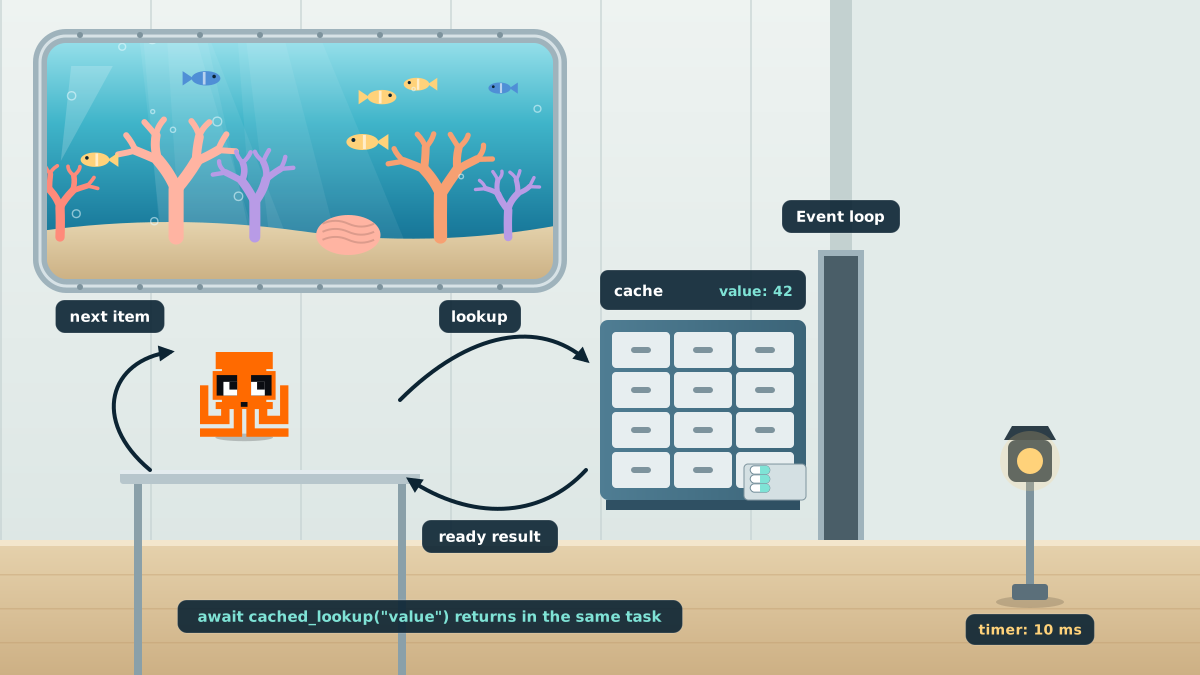
This Python coroutine completes without suspending the task that awaits it.
JavaScript pauses, but the timer still waits
The JavaScript version looks much the same:
const CACHE = new Map([['value', 42]]);

async function cachedLookup(key) {
  return CACHE.get(key);
}

async function totalCachedValues() {
  let checksum = 0;
  for (let completed = 1; completed <= 2_000_000; completed++) {
    checksum += await cachedLookup('value');
  }
  return checksum;
}
Here, await really does suspend the async function, even when the promise already has a result. The ECMAScript specification schedules the continuation through promise reactions. A continuation is simply the work the function still has to do after the await.
In Node, that work runs as a microtask. Our function resumes, adds 42 to the checksum, and reaches the next lookup. That lookup returns another fulfilled promise, so another continuation goes into the microtask queue.
Each iteration keeps the queue busy with the next one. Node processes those microtasks before moving on to timer and I/O callbacks, which is why our timer can remain waiting while the whole batch runs. The Node scheduling documentation explains this ordering.
This also tells us why adding the following line won't give the timer the break we want:
await Promise.resolve();The function would suspend again, then continue through another microtask. We'd still be feeding work into the same queue. We need to wait on something that lets the event loop move on to other callbacks.
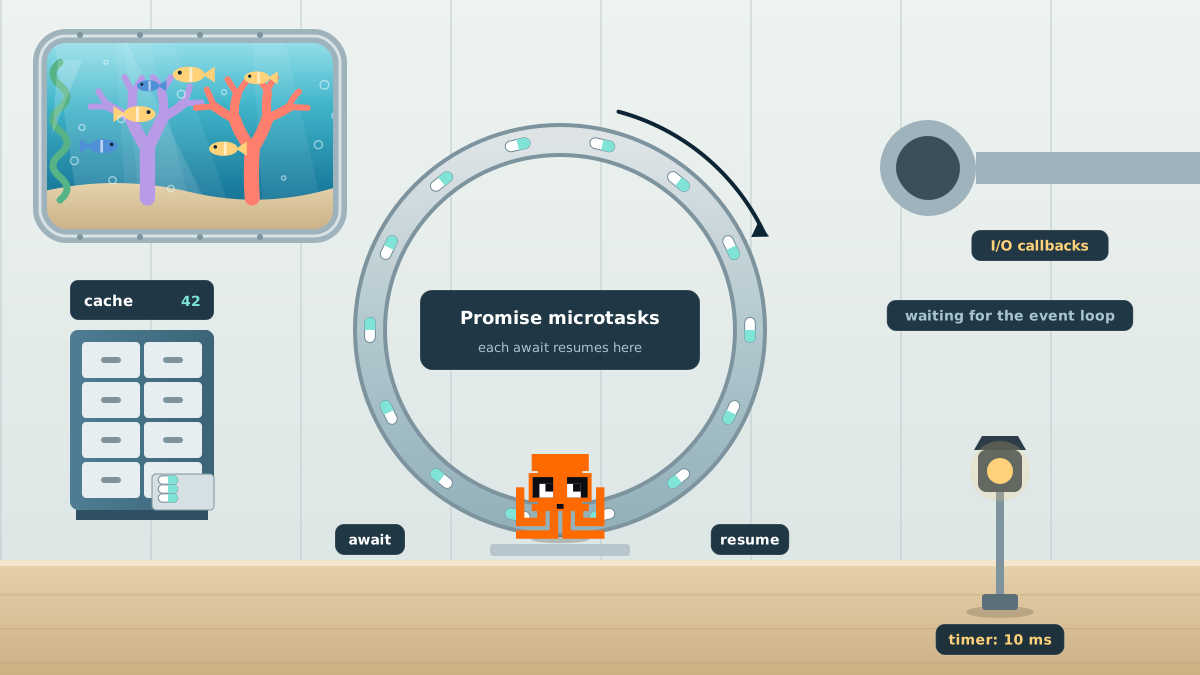
Suspending an async function does not necessarily give timers a turn.
Give the loop a place to yield
We changed both versions to yield after every 1,024 completed lookups. Each still reads the same value two million times and produces the same total. The difference is that the batch now gives other work repeated opportunities to run.
For Python, we added asyncio.sleep(0):
import asyncio

async def total_cached_values():
    checksum = 0
    for completed in range(1, 2_000_001):
        checksum += await cached_lookup("value")
        if completed % 1_024 == 0:
            await asyncio.sleep(0)
    return checksum
Despite the name, this doesn't ask for a positive sleep duration. Python documents a zero delay as an optimized way to suspend the current task and allow other work to run. That gives us a deliberate pause even when every lookup completes immediately.
For Node, we used the promise-based setImmediate():
import { setImmediate as yieldToLoop } from 'node:timers/promises';

async function totalCachedValues() {
  let checksum = 0;
  for (let completed = 1; completed <= 2_000_000; completed++) {
    checksum += await cachedLookup('value');
    if (completed % 1_024 === 0) {
      await yieldToLoop();
    }
  }
  return checksum;
}
This promise resolves when the event-loop immediate is processed. The batch has to wait for that to happen, allowing the loop to advance beyond the current chain of promise continuations.
Neither call guarantees that our timer runs next. Both give the scheduler opportunities it didn't have in the original loop.
What changed
We ran five measured trials of each version in CPython 3.12.14 and Node.js 24.22.3. Times below are milliseconds, shown as the median followed by the observed minimum–maximum range.
| Runtime | Loop | Timer ran after | Batch finished in |
|---|---|---|---|
| Python | Await each lookup | 270.0 (264.7–280.3) | 269.9 (264.6–280.3) |
| Python | Also yield every 1,024 lookups | 10.3 (10.2–10.4) | 335.6 (316.1–372.8) |
| Node.js | Await each lookup | 142.4 (131.6–144.8) | 142.1 (131.4–144.6) |
| Node.js | Also yield every 1,024 lookups | 9.4 (9.2–9.9) | 162.8 (148.1–179.2) |
In every original run, the timer waited until the batch finished. In every run with explicit yielding, it ran while the batch was still in progress.
Completing the batch took longer. The additional checks and scheduling operations add overhead, and our measurements include both. If we'd measured only the time to finish the lookups, the original version would have looked better. Measuring the timer shows what that version made other work wait for.
The Node timer ran slightly before the nominal 10 millisecond delay in the yielding runs. Those are the recorded values; the timer API doesn't guarantee exact execution timing. The useful change is that the callback could run before the batch ended.
For a background job sharing an event loop with request handlers, that distinction matters. Finishing the job sooner is useful, but so is allowing those handlers to respond while the job is running.
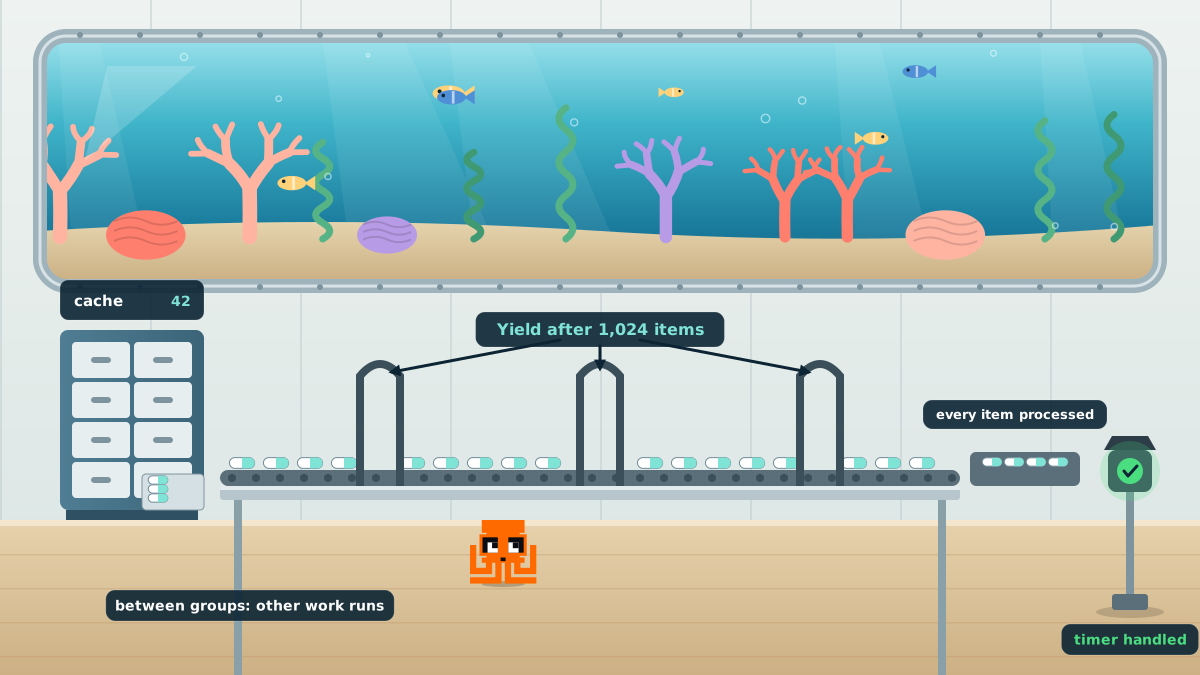
A scheduling opportunity between batches lets unrelated work make progress.
Let the batch choose when to pause
We put the yield in the loop because the loop owns the amount of work we're doing. A caller fetching three values has different needs from a job processing millions. Adding a yield inside every cache lookup would make that decision for both of them.
The batch can make a more informed choice. It knows how much work it plans to process, and we can tune its pauses against the responsiveness the application needs.
There's nothing special about 1,024. It was the interval we chose for this experiment. When each item takes roughly the same amount of work, an item count is a straightforward place to start. Measure batch throughput and unrelated request latency under representative load, then adjust the interval.
If item costs vary, consider a time budget. Record a monotonic timestamp, process items, and yield once the current chunk has used its budget. Start a fresh budget when the task resumes. Checking the clock has a cost too, so the frequency of those checks belongs in the tuning process.
This only helps when the code reaches the check. If one item spends 100 milliseconds in a synchronous calculation, checking afterward can't prevent that pause. Break up the calculation or move substantial CPU work off the event-loop thread. Python documents process pools for CPU-bound work, and Node offers worker threads for CPU-intensive JavaScript. Yielding within a thread doesn't create parallel execution.
Runtime support can help, too. Tokio includes cooperative budgets in participating operations, but its documentation also shows how an always-ready stream can starve other work. A Rust .await doesn't imply preemption on its own. As with Python and Node, we need to understand what the awaited operation actually does.
Test with a full cache
An async test double that always waits a little can hide this behavior. That wait keeps giving the scheduler control. The real cache-hit path may never do so.
Include a case where every result is immediately available. Give the batch enough items to cross its yield boundary, arrange for an independent callback to become runnable, and check that the callback runs before the batch finishes. A test of that event order at a controlled boundary is more useful here than insisting on an exact millisecond result.
Then test the batch alongside real requests. Watch how quickly those requests complete while the job runs, as well as how long the job itself takes. That gives you a basis for choosing a batch size that fits the application.
The cache can keep doing its job: returning ready values quickly. The caller can take responsibility for sharing execution time. Once that decision lives in the batch, the application's responsiveness no longer has to depend on a cache miss giving everything else a turn.
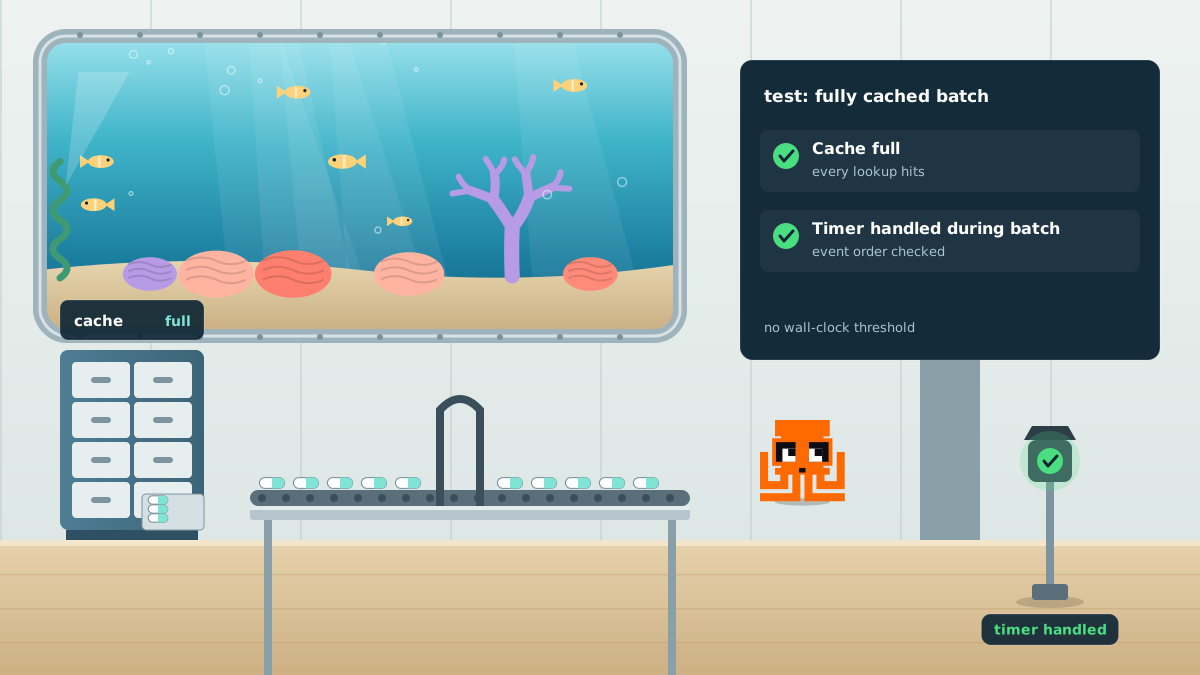
Test responsiveness when every result is ready.
How we measured it
Each trial read the same populated cache entry two million times and checked that the sum was 84,000,000. The timer was registered before the first lookup: Python used loop.call_later() to resolve a future, and Node used setTimeout(). This avoids a misleading Python setup in which a heartbeat task doesn't start its own timer until after the batch has finished.
Both programs ran on Linux. Each runtime first performed one warm-up of the original loop, excluded from the results, followed by five measured runs per version. We alternated version order between repetitions and ran the two runtimes sequentially.
The timer column measures elapsed time from just before registration until callback execution. A value of 270 milliseconds therefore means roughly 260 milliseconds beyond the requested delay. Batch duration starts immediately after timer registration. The medians are calculated separately, so the two values in a row may come from different trials.
This was an all-hit scheduling experiment with one timer per trial. It doesn't measure production request latency, compare a cold cache with a warm one, or rank the languages by speed. The Tokio discussion comes from its documentation; we didn't run a Rust experiment.