By the Octri team · Updated
How to publish an npm package: a step-by-step guide
A package release is a small public commitment. Once a version is in the npm registry, people may pin it, reproduce builds against it and depend on its published files years later. The moment to discover a missing dist directory or an accidental secret is before npm publish, not afterward.
How do you publish an npm package?
Choose a package name you control, prepare its manifest, build the distributable files and inspect the tarball. Publish an initial version deliberately, then automate later releases through a reviewed CI workflow. Keep version numbers unique and use the appropriate dist-tag when shipping prereleases.
A clean release path should make it obvious which commit produced the package and who authorized it to become available.
Before you start: account, 2FA and a name
Create the publisher account or organization, enable strong multi-factor authentication and claim a name that identifies the SDK clearly. Scoped names such as @acme/sdk give an organization a stable namespace. Check availability through the registry, but remember that a 404 during a name lookup does not guarantee a name passes every naming or security policy.
Keep permission to publish limited to the maintainers and workflows that need it. The registry is part of your supply chain.
Set up package.json
A TypeScript client typically needs its compiled JavaScript and type declarations exposed through a predictable entry point:
{
  "name": "@acme/sdk",
  "version": "1.0.0",
  "description": "Client for the Acme API",
  "type": "module",
  "license": "MIT",
  "exports": {
    ".": { "types": "./dist/index.d.ts", "default": "./dist/index.js" }
  },
  "files": ["dist"],
  "scripts": { "build": "tsc", "prepublishOnly": "npm run build" }
}
Also include a README, repository, supported Node versions and a license file. The example's fields must correspond to actual built files, or consumers will get an import failure despite a successful publish.
Check what will ship
Run the build and inspect the package without uploading it:
npm run build
npm pack --dry-run
Review the file list for missing declarations, bundled secrets, test fixtures or unintended source files. For stronger confidence, run npm pack and install the resulting tarball into an empty project. That test uses the same artifact people will download, not an editor's view of your source tree.
Publish the first version
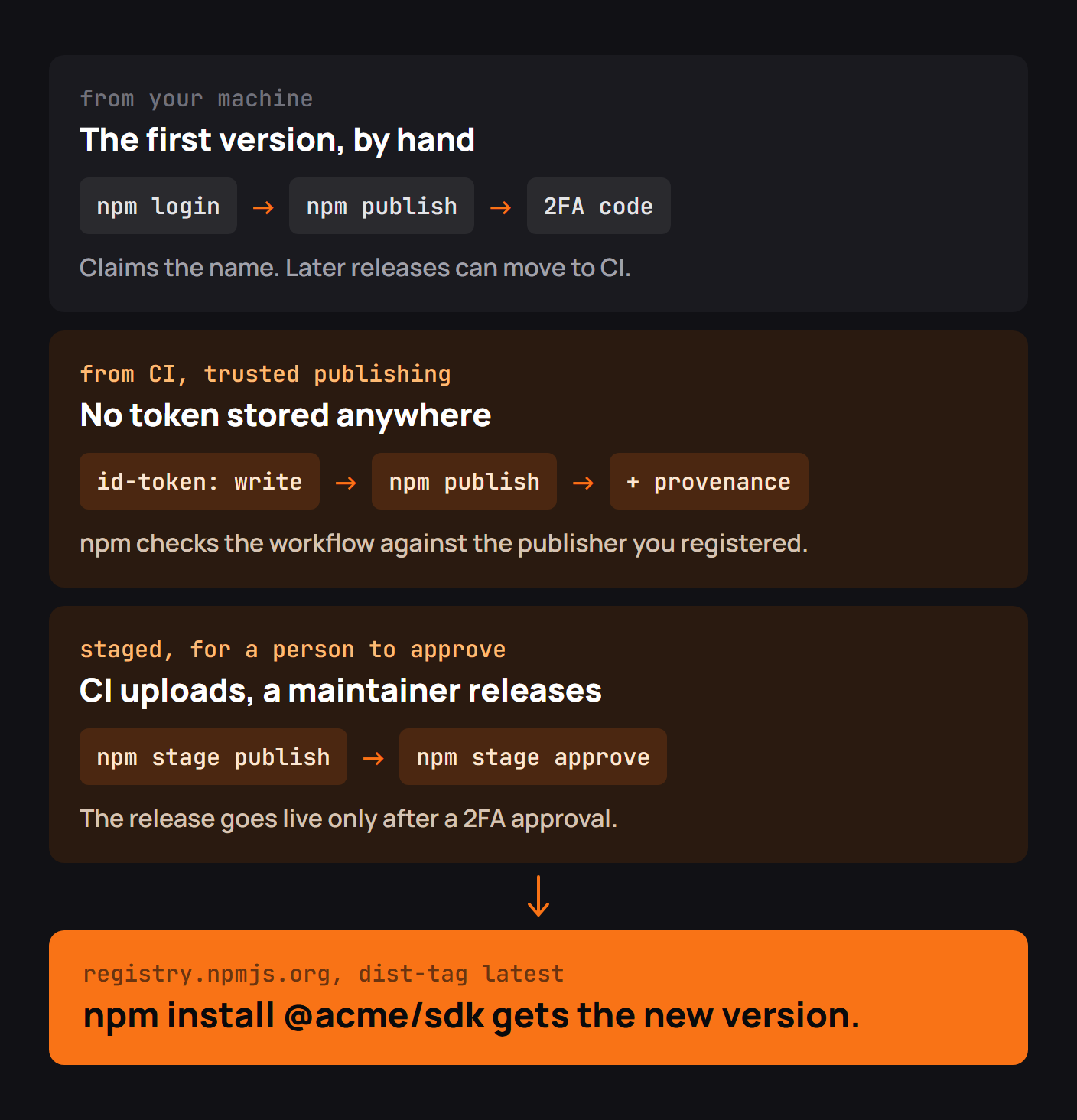
Log in through the supported npm authentication flow, then publish the intended package with the required access settings for your account and scope:
npm login
npm publish --access public
Verify the package page and install command from a separate clean project. Do not treat the presence of a registry URL as proof that the package's exports actually work.
Release new versions
Follow semantic versioning when it fits your compatibility policy: patch for fixes, minor for backward-compatible features, major for breaking public API changes. A registry version cannot simply be overwritten with new bytes. Use prerelease versions and dist-tags when testing an upcoming major without changing the default latest install for existing users.
Publish from CI with trusted publishing
The npm team's own 2026 update is instructive. In a September 3, 2026 changelog, GitHub reported changes made in response to publisher feedback: packages could now trust more than one OIDC workflow, staged releases had to finish malware scanning before approval, and maintainers gained better visibility into staged-release history. The earlier single-workflow limitation had pushed some teams toward workarounds or long-lived tokens.
This is a real publisher-side experience of the security tradeoff: convenience in CI can quietly expand what is authorized to ship code. Prefer short-lived workflow identity over storing registry tokens, and limit which repository, workflow and environment may publish. An example GitHub Actions job needs id-token: write, but the trusted-publisher configuration must also be set up on npm.
Tokens and staged publishing
A manual token is a credential that can leak and requires rotation. OIDC trusted publishing authenticates a known workflow for the current release instead. Staged publishing adds human approval before a scanned package becomes generally available. According to npm's 2026 guidance, staging is the preferred default for trusted-publishing configurations, with direct publishing an explicit choice.
The right model depends on how quickly you need releases and how costly a compromised publish would be. For a widely installed SDK, a second approval step is often worth the delay.
Common npm publish errors
A name can be unavailable, authentication can fail, the version may already exist, or the tarball may omit the file named in exports. A CI publish can fail because its workflow identity doesn't match the configuration registered with npm. Read the actual registry error and inspect the artifact rather than repeatedly bumping versions to guess at the cause.
Checklist before every release
Inspect the diff, run tests, build the package, pack it, install it in a clean project, review the changelog, verify the version and confirm the publisher identity. After publication, test the publicly installable artifact and record the commit associated with that immutable version.
Publishing SDKs to npm with Octri
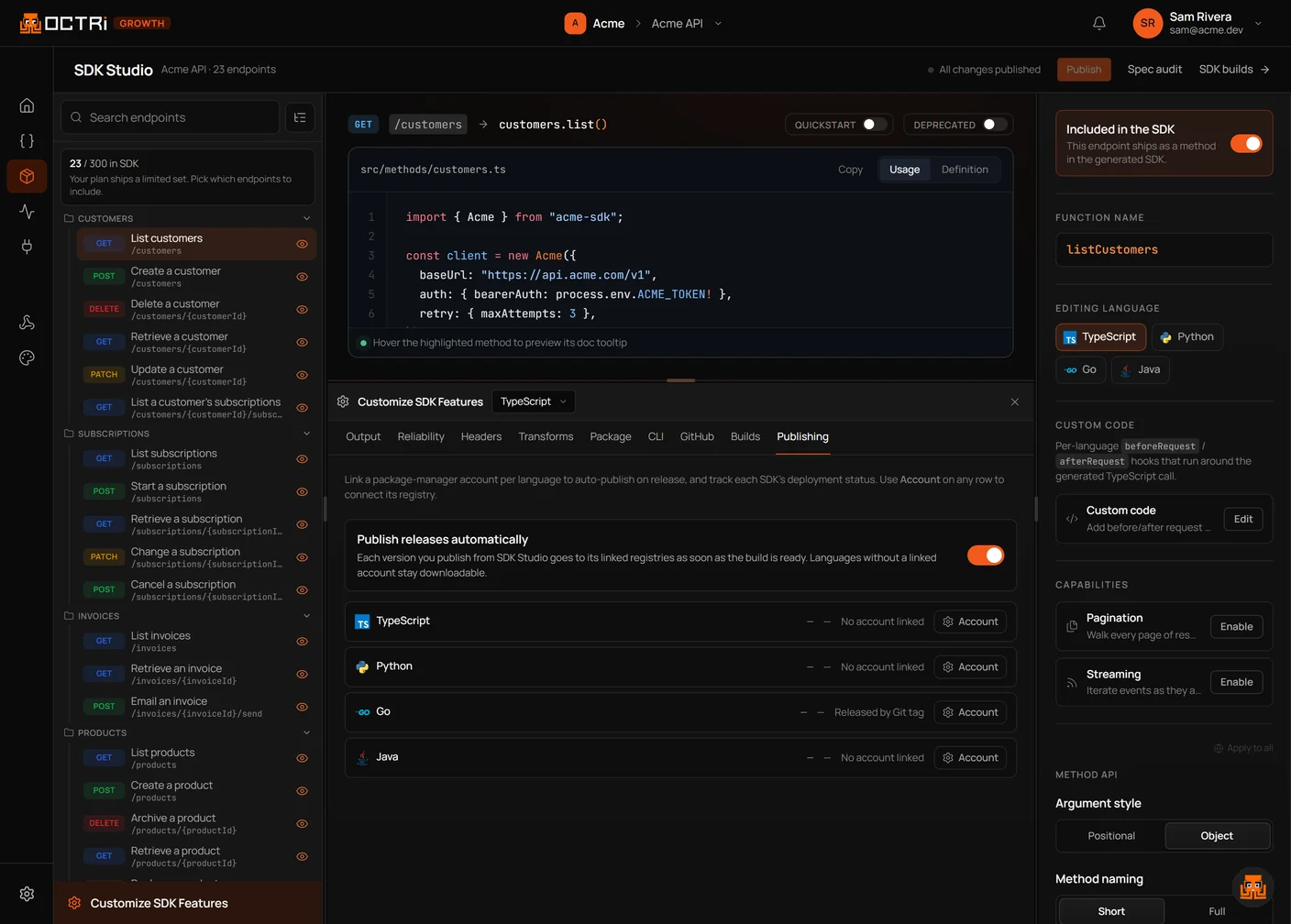
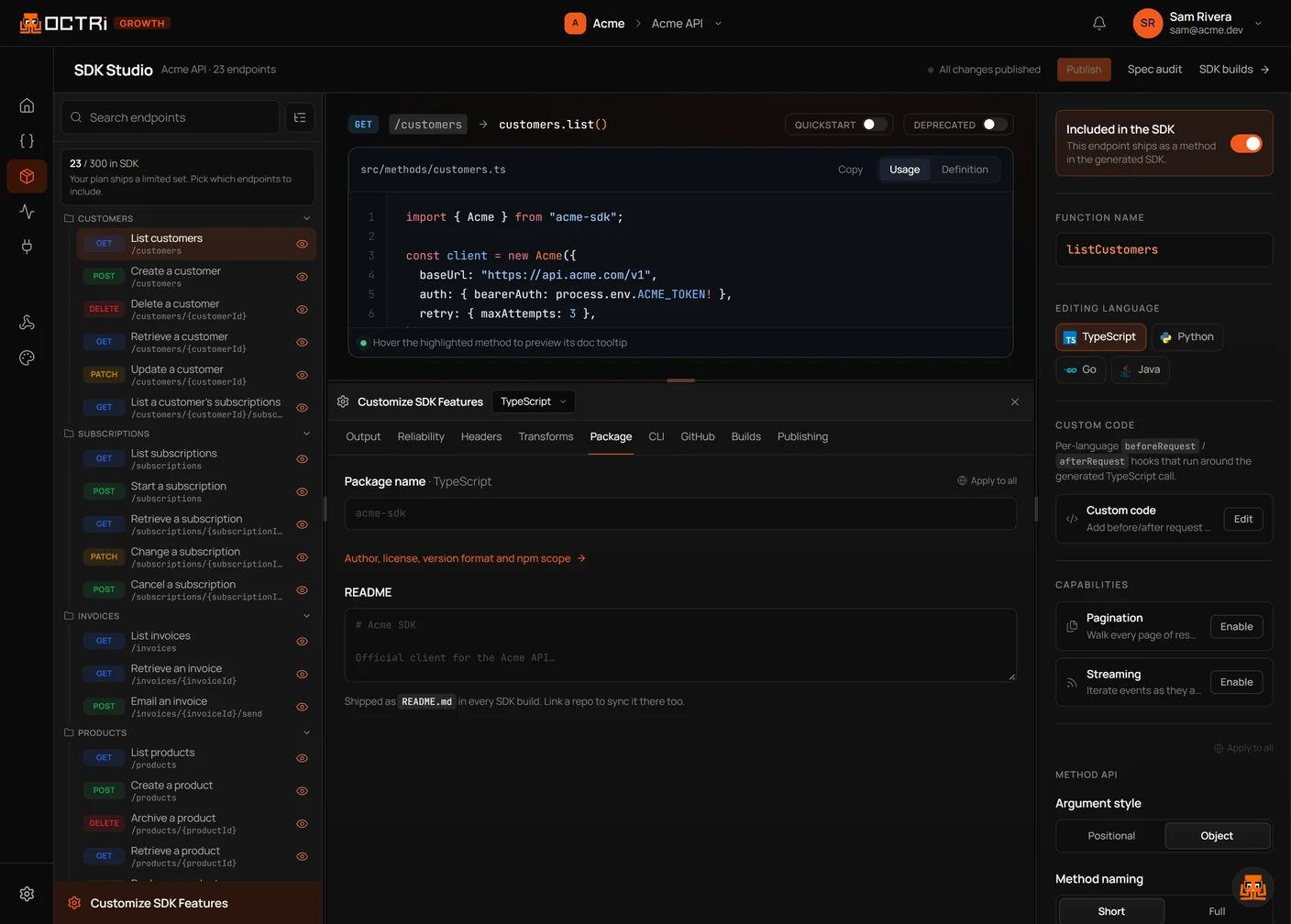
Octri SDK Studio can configure package naming and generated README content for a TypeScript SDK. Treat that configuration as the starting point for a reproducible build and approved registry release, with the same packaging checks you would apply to handwritten code.