By the Octri team · Updated
How to publish a Python package to PyPI: a step-by-step guide
Python packaging can appear deceptively simple: write a module, add metadata and upload a wheel. The difficult mistakes are invisible until another developer creates a fresh environment. A missing package directory, wrong import name or dependency constraint can make a successful upload useless.
How do you publish a Python package to PyPI?
Define the package in pyproject.toml, build a wheel and source distribution, validate them and install the wheel into a clean environment. Rehearse on TestPyPI, then publish a unique version to PyPI. For repeatable releases, use a trusted CI publisher rather than storing long-lived credentials.
A package release should be reproducible from a commit and testable in the form users install.
Before you start: accounts, 2FA and a name
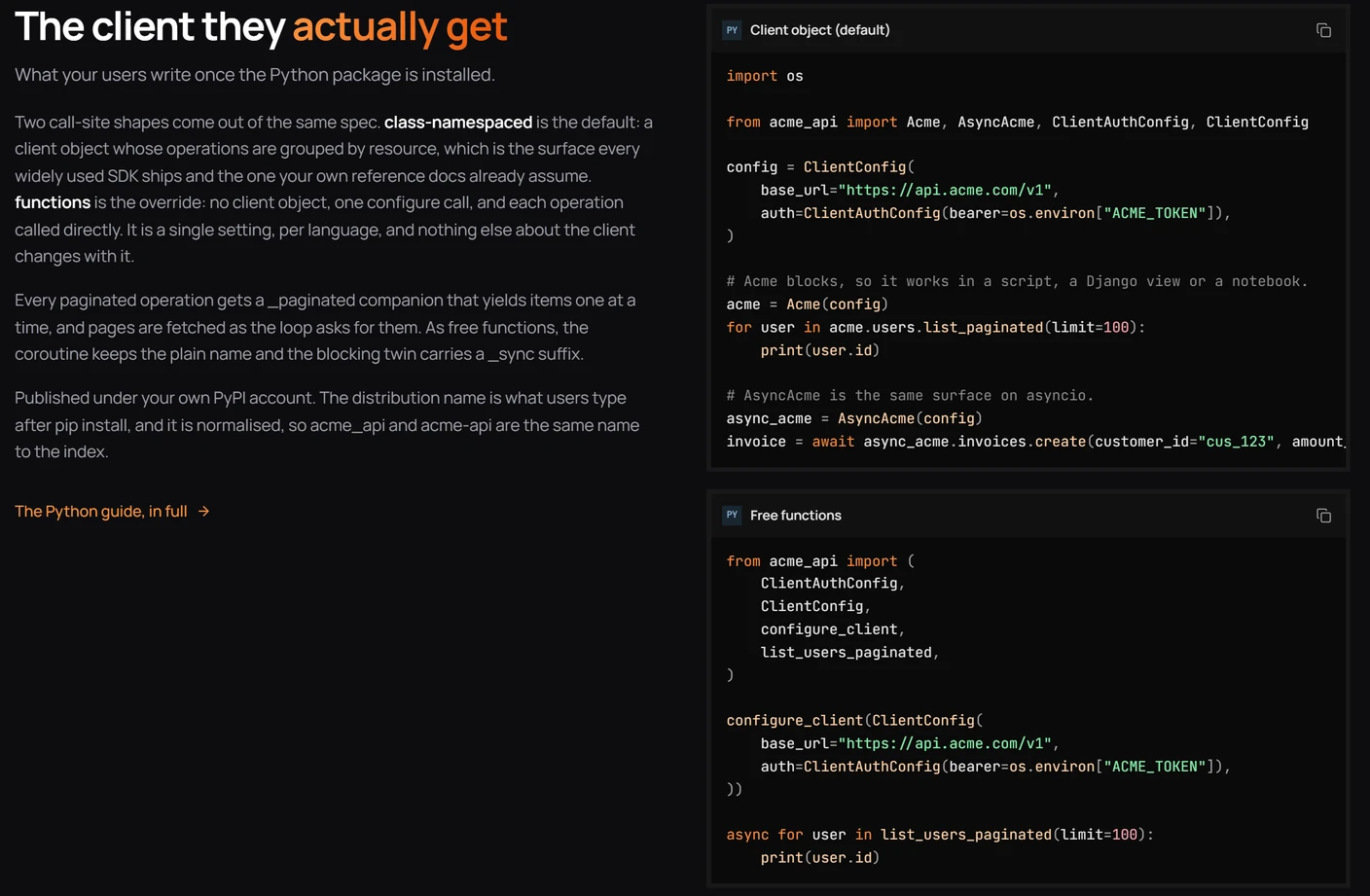
Create separate accounts for PyPI and TestPyPI and enable two-factor authentication. Reserve a name that is distinct from other projects. Remember that Python package names are normalized: acme.sdk, Acme_SDK and acme-sdk collide under the index's comparison rules.
The install name and import name can differ. A developer may run pip install acme-sdk and then from acme_sdk import Acme; document both.
Set up pyproject.toml
A modern build uses standard project metadata and a build backend. This example assumes a package in src/acme_sdk:
[build-system]
requires = ["hatchling>=1.26"]
build-backend = "hatchling.build"

[project]
name = "acme-sdk"
version = "1.0.0"
description = "Python client for the Acme API"
readme = "README.md"
requires-python = ">=3.11"
license = "MIT"
dependencies = ["httpx>=0.27,<1"]
The rest of the repository must match this declaration. Include the py.typed marker if you promise typed imports, and use compatible dependency ranges rather than forcing unnecessary exact pins on applications that install your library.
Build and check what will ship
Build both common distribution formats, inspect their metadata and install the wheel from disk into a clean virtual environment:
python -m pip install --upgrade build twine
python -m build
python -m twine check dist/*
Then import the package and run a mock API call. A successful twine check verifies metadata formatting; it does not prove the wheel contains your public client class or that imports are valid.
Upload to TestPyPI first
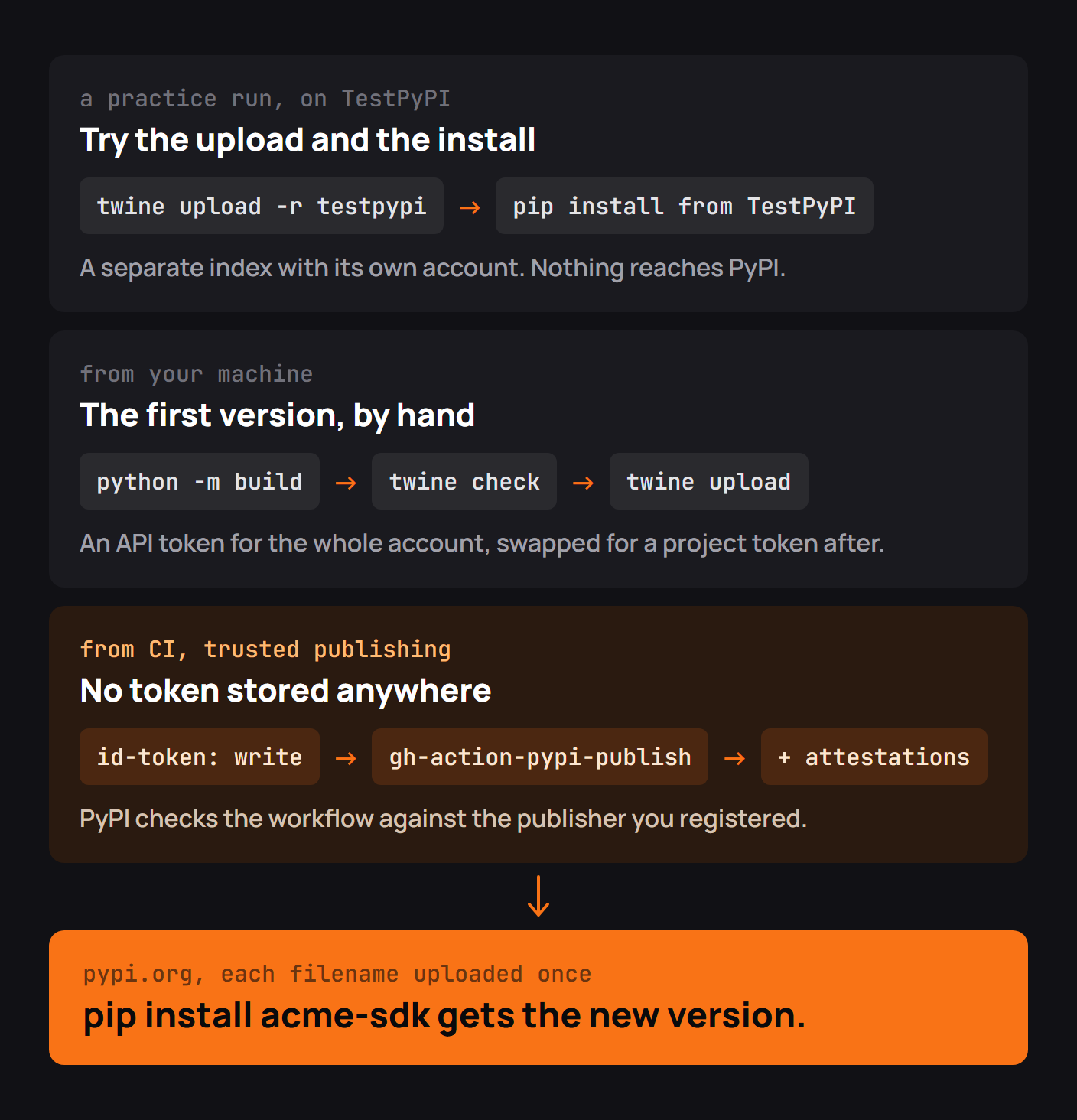
TestPyPI is a separate registry intended for publication rehearsals. Upload there, then install with the test index in a clean environment. If your distribution depends on packages not hosted on TestPyPI, use the documented extra-index options cautiously; test index configuration can affect dependency resolution and should not be copied blindly into production installation instructions.
python -m twine upload --repository testpypi dist/*Publish the first version
When the artifact has passed its checks, upload to production with the supported authentication method:
python -m twine upload dist/*Verify the project page, the install name and the import in a new environment. Publish only the files intended for that version; a distribution version and filename cannot be casually replaced after release.
Release new versions
Bump the version for every release, publish a changelog and test all supported Python versions. If a release is seriously broken, PyPI supports yanking a release so installers avoid it in ordinary resolution. Yanking does not erase the file or revoke every existing installation; a corrected release still needs a new version.
Publish from CI with trusted publishing
The motivation for this workflow is well documented by PyPI's own maintainers. In his April 2023 introduction to Trusted Publishers, PyPI administrator Dustin Ingram explained a problem with older automated releases: project maintainers had to place long-lived passwords or API tokens in an external CI system. Trusted publishing lets PyPI verify a short-lived OpenID Connect identity from an approved workflow and issue a narrowly scoped token for that publish.
The practical effect is that there is no PyPI publishing secret to rotate or accidentally print in build logs. Authentication is tied to a repository, workflow and approved environment, but the workflow's own permissions must still be carefully restricted.
Check a release after publishing
Install the exact version from production PyPI, run the README example and confirm that the supported Python versions can import it. Verify the source distribution as well if you expect consumers to build from source. A release is not finished when the upload command exits; it is finished when the published artifact works independently of the source checkout.
Common PyPI upload errors
Duplicate versions, invalid metadata, missing build files and authentication mismatches are common. A trusted-publishing failure may mean the repository or workflow identity differs from what PyPI expects. Debug the concrete error instead of creating new tokens by habit.
Checklist before every release
Review the files in the wheel and source distribution, install from a clean environment, test the README, check dependency constraints and confirm the version is unused. Use a controlled release workflow with 2FA or trusted publishing and verify the public artifact afterward.
Publishing SDKs to PyPI with Octri
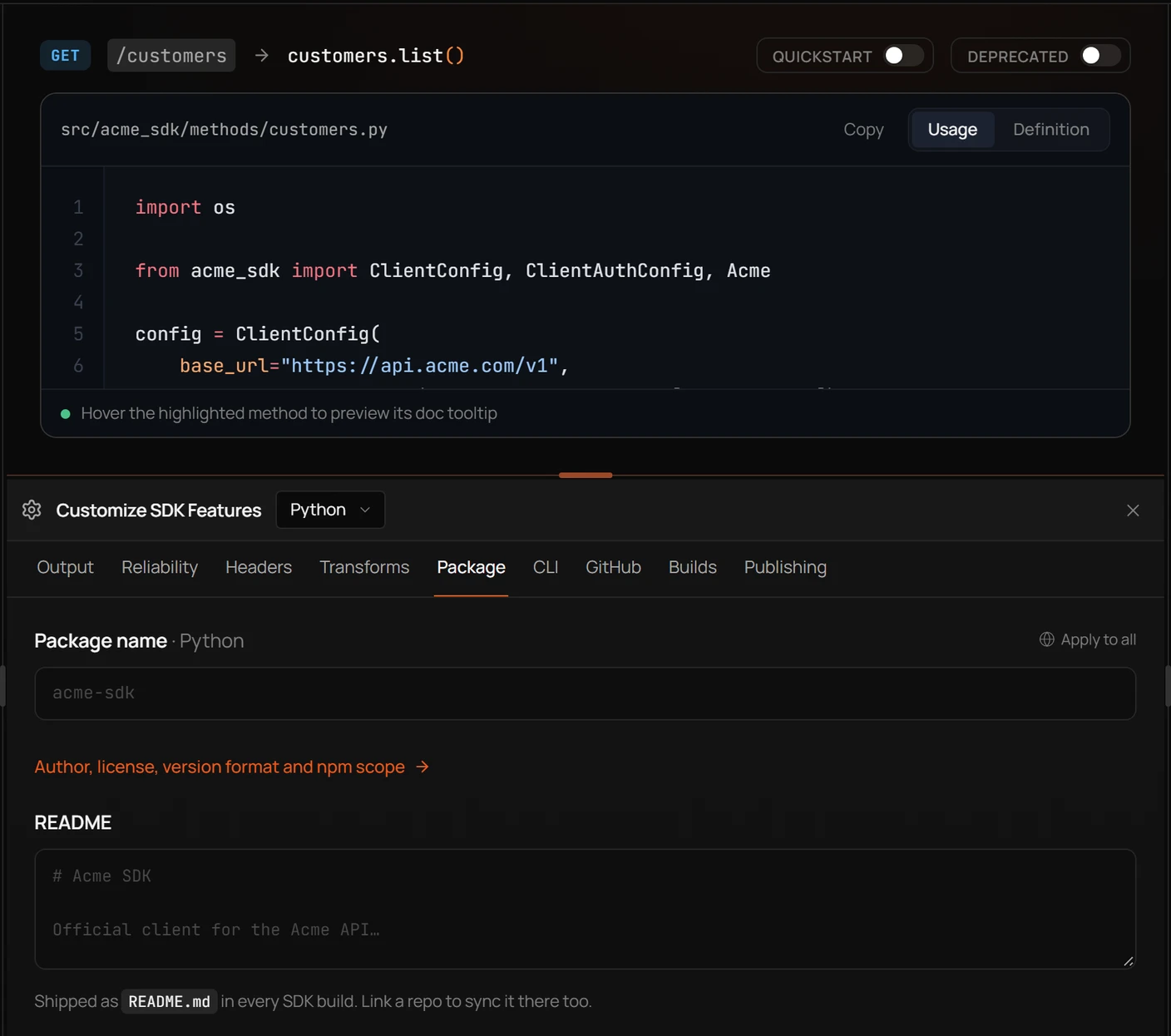
Octri SDK Studio can set Python package metadata and generate a client and README to ship under your project's name. The package still needs the same clean-build, installation, compatibility and publication checks as a handwritten library.