Where does an API key go when someone clicks Try it?
Follow credentials through a documentation playground. Check browser storage, request destinations, proxy behavior and logs.
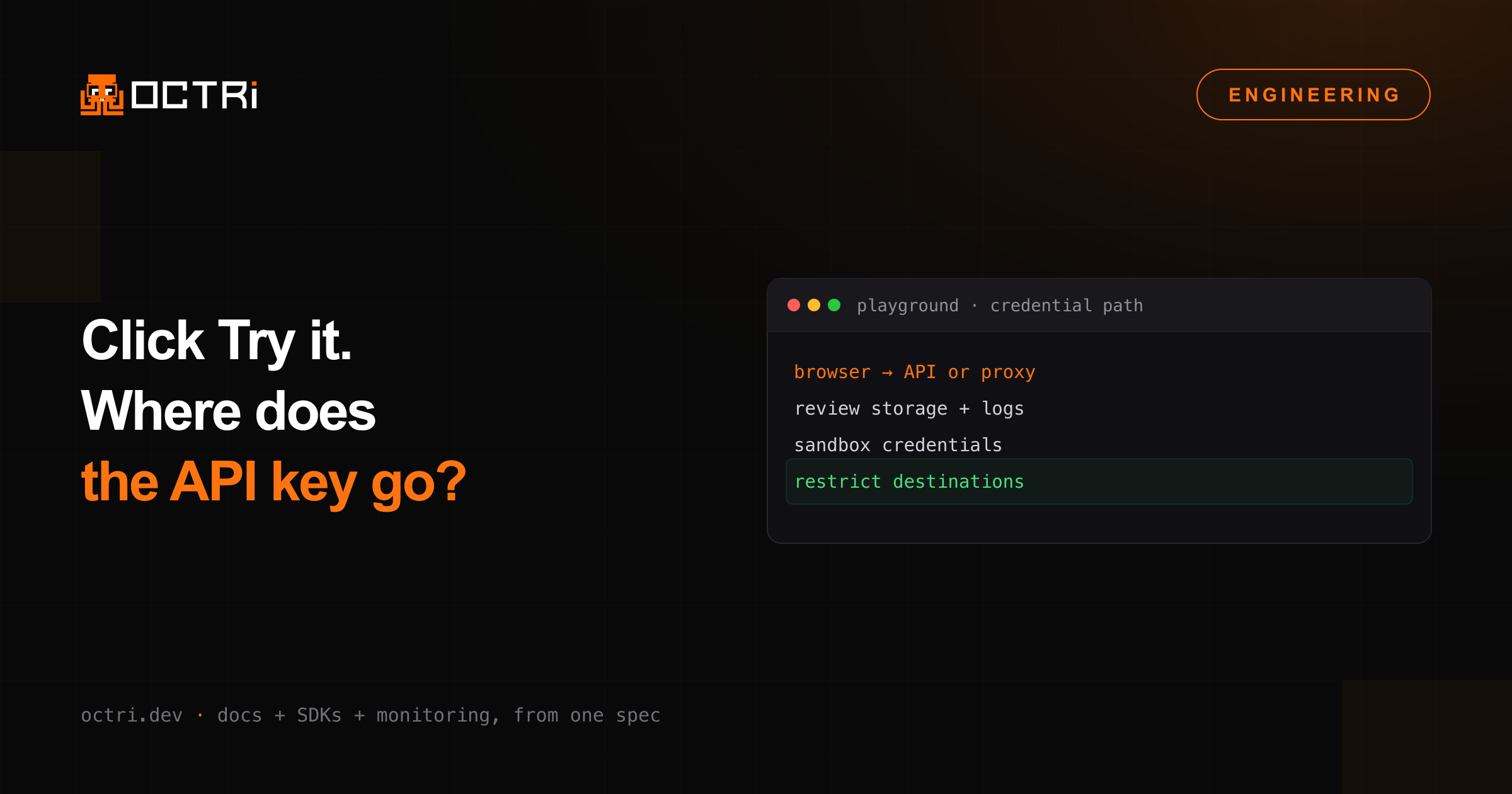
A reader pastes an API key into a documentation playground and clicks Try it. The browser sends the request either to the API or through a proxy. Along that route, the key can encounter storage, logs and error reporting that the reader never sees.
Before choosing where to retain the key, list every component that receives it. Include what happens on a failed request, after a page reload and when the reader copies an example.
Decide whether requests need a proxy
In a direct-browser design, the browser sends requests to the configured API origin. Cross-origin requests depend on the API's CORS configuration. MDN's CORS guide explains the browser-enforced rules, including preflight requests and restrictions around credentialed access.
CORS is not an authorization system. Your server still validates credentials and permissions. Browser restrictions also do not apply to every non-browser caller, so they cannot protect an otherwise exposed API.
In a proxy design, the proxy becomes another component handling request data and possibly credentials. Define its permitted destinations, methods, headers and response limits. An unrestricted “send this URL” proxy can create server-side request-forgery risks and expose destinations unavailable to an ordinary browser.
Make storage and persistence visible
An in-memory key disappears with its application state. A key saved in browser storage can remain across page reloads and be accessible to scripts running in that origin. Decide how long the key needs to remain available and which scripts can read its storage.
If the application uses cookie-based sessions, apply the relevant Secure, HttpOnly and SameSite controls described by the OWASP Session Management Cheat Sheet. A cookie session and a user-supplied API key are different credential types and may require different handling.
Avoid putting secrets in URLs, shareable examples or copied snippets. URLs may appear in history, referrers, proxy logs or analytics. Provide placeholder-based examples when users copy a request for sharing, and make any deliberate inclusion of a real key unmistakable.
Trace logging as carefully as networking
Inspect browser error reporting, request logs, analytics, proxy access logs and API logs. A masked input field does not stop a later component from recording the header or body.
Redact the actual credential-bearing fields and verify the retained events. Keep enough context to diagnose a failed request without capturing authorization values or unnecessary customer payloads. Test both success and error paths because error handlers often serialize more request detail.
Use test credentials and synthetic data when demonstrating a playground publicly. Separate sandbox and production environments clearly so a reader understands whether a request can create real effects.
Validate destinations and defaults
If readers can change the server URL, decide which hosts may receive credentials and when the interface should require a fresh authorization decision. Do not carry a saved secret automatically from a trusted API host to an arbitrary replacement URL.
For a proxy, validate destinations before connecting and account for redirects and address resolution according to your security architecture. For direct requests, communicate which API origin receives the key and avoid misleading claims about where processing occurs.
Verify the complete user journey
Run a request with a disposable credential, inspect network traffic and storage, reload, clear the credential, and check logs for accidental retention. Repeat through errors and copied examples.