Who built this SDK? Proving package provenance from spec to registry
Connect a published SDK to its inputs and build workflow. Understand what trusted publishing and provenance establish, and what still needs review.
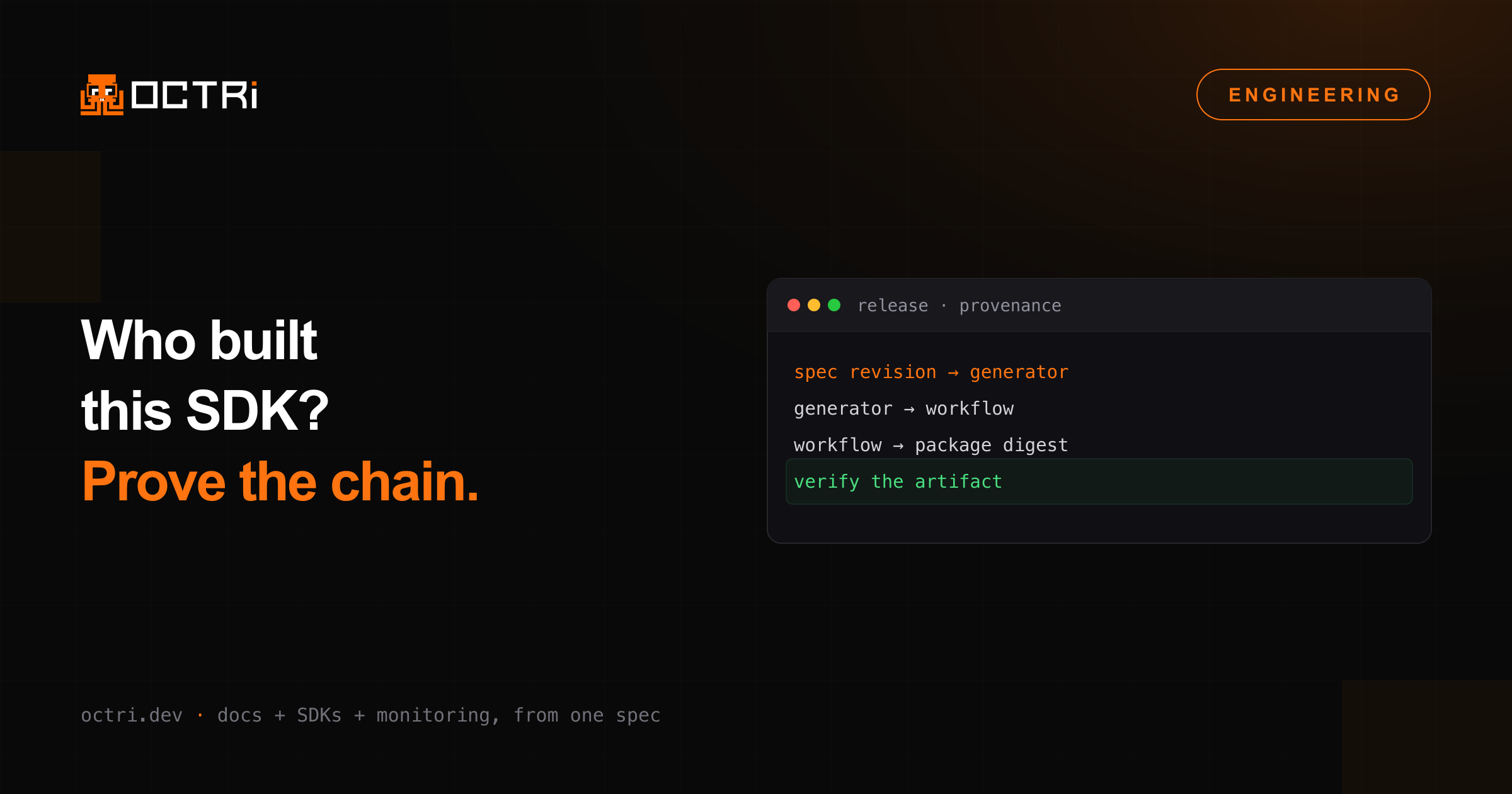
A customer reports a bug in version 2.4.0 of your SDK. You find the package in the registry, but the generator has changed since that release. To reproduce the build, you need the specification, generator, configuration and dependencies used at the time.
A Git tag identifies source code, but the package also depends on generator settings, transforms and the build workflow. Retain those inputs with the release so an investigation does not depend on reconstructing them from a current checkout.
Give releases an input record
Start with an immutable source commit and a digest of the specification used for generation. Record generator version, configuration revision, custom transforms, dependency lockfiles and build environment. If a release resolves a moving branch, retain the exact commit it selected.
An illustrative release manifest might contain specCommit, specSha256, generatorVersion, configCommit and packageDigest. Those are local conventions, not a standard attestation format.
Make the evidence follow the published bytes. If a workflow builds an archive and later modifies its contents, evidence about the original archive does not describe the modified package. Inspect final contents and retain the artifact digest that corresponds to publication.
Use supported identity-based publishing
npm trusted publishing uses OpenID Connect so supported CI/CD workflows can publish without a long-lived npm publishing token. The registry checks workflow identity against the package's trusted-publisher configuration.
PyPI Trusted Publishers uses a similar identity-based approach with its own providers and rules. Do not assume the same configuration applies to both registries. Configure the intended repository and workflow, then review trigger permissions and deployment-environment controls.
OIDC removes one category of standing secret. It does not make an authorized workflow harmless. A compromised workflow with publishing permission can still release unwanted code. Review changes to workflows, build scripts, third-party actions and their dependencies.
Provider support and prerequisites can change. Follow the registry's current requirements for runner environments and tool versions instead of copying configuration from an unrelated release pipeline.
Understand what provenance establishes
A provenance statement connects an artifact to information about its source and build. npm documents provenance generation and verification, including conditions for automatic generation with trusted publishing. Availability depends on the provider and package/repository conditions; do not assume every trusted publication has identical attestations.
Verify that the recorded source, workflow and artifact match your expected release. Provenance does not prove that the implementation is correct, dependencies are safe, or generated methods handle every input.
It also does not establish byte-for-byte reproducible builds on its own. Reproducibility requires controlled inputs and an independent rebuild comparison. Treat those as complementary checks with separate evidence.
Inspect the final package
During review, inspect package name, version, exported entry points, license, generated source and dependencies. Verify source links point to the intended revision. Retain enough information to answer a customer report using the exact release rather than today's checkout.